Introduction
eufy FamiLock S3 Max vs Lockly Vision Elite Video Smart Lock is a useful comparison because both products pursue the same job with different hardware and ecosystem assumptions. These replacement deadbolts combine smart-lock access with a video doorbell. Eufy adds palm-vein identification, a 2K camera, and an interior display; Lockly combines a 1080p camera, fingerprint reader, PIN Genie keypad, solar assistance, and a two-battery power strategy.
This buying guide uses current US manufacturer specifications and support material; it does not claim personal testing. Published battery, detection, suction, brightness, and coverage figures depend on settings and conditions. Confirm the exact model, included accessories, firmware, and subscription terms before ordering.
Quick Answer
Choose eufy FamiLock S3 Max if contactless palm-vein entry, a sharper 2K camera, an interior video screen, and Matter lock control are the priorities. Choose Lockly Vision Elite Video Smart Lock if fingerprint entry, the randomized PIN Genie keypad, solar-assisted charging, and Lockly’s no-required-monthly-fee video-lock design better fit the door. Eufy’s biometric system is more distinctive and its rear screen helps someone inside check the porch without a phone. Lockly offers more familiar fingerprint and keypad methods. Both are complex exterior devices whose camera placement, battery routine, door fit, and privacy settings deserve careful review.
Comparison Table
| Feature | eufy FamiLock S3 Max | Lockly Vision Elite Video Smart Lock |
|---|---|---|
| Primary biometric | Palm-vein recognition | Fingerprint reader |
| Camera | 2K with night capability | 1080p with infrared night vision |
| Doorbell/intercom | Integrated video doorbell and two-way features | Integrated video doorbell and two-way intercom |
| Interior viewing | Rear video screen | Phone/app viewing |
| Keypad | Touch keypad and access methods | PIN Genie shifting-number keypad |
| Power | Rechargeable battery plus AAA backup | Rechargeable battery system with solar assistance |
| Smart home | Matter for supported lock controls; vendor app for video | Alexa and Google integrations |
| Storage/fees | Local-oriented eufy options; verify package | No required monthly fee; local handling by model |
Design / Hardware
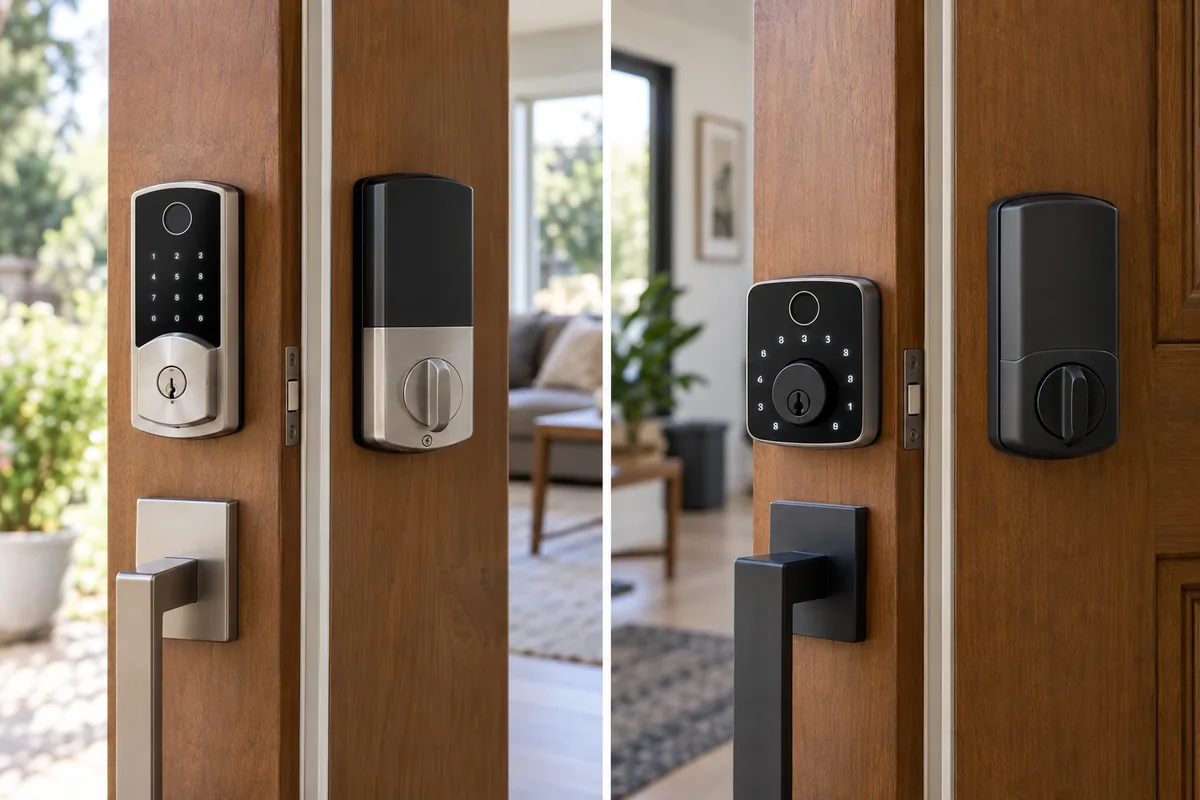
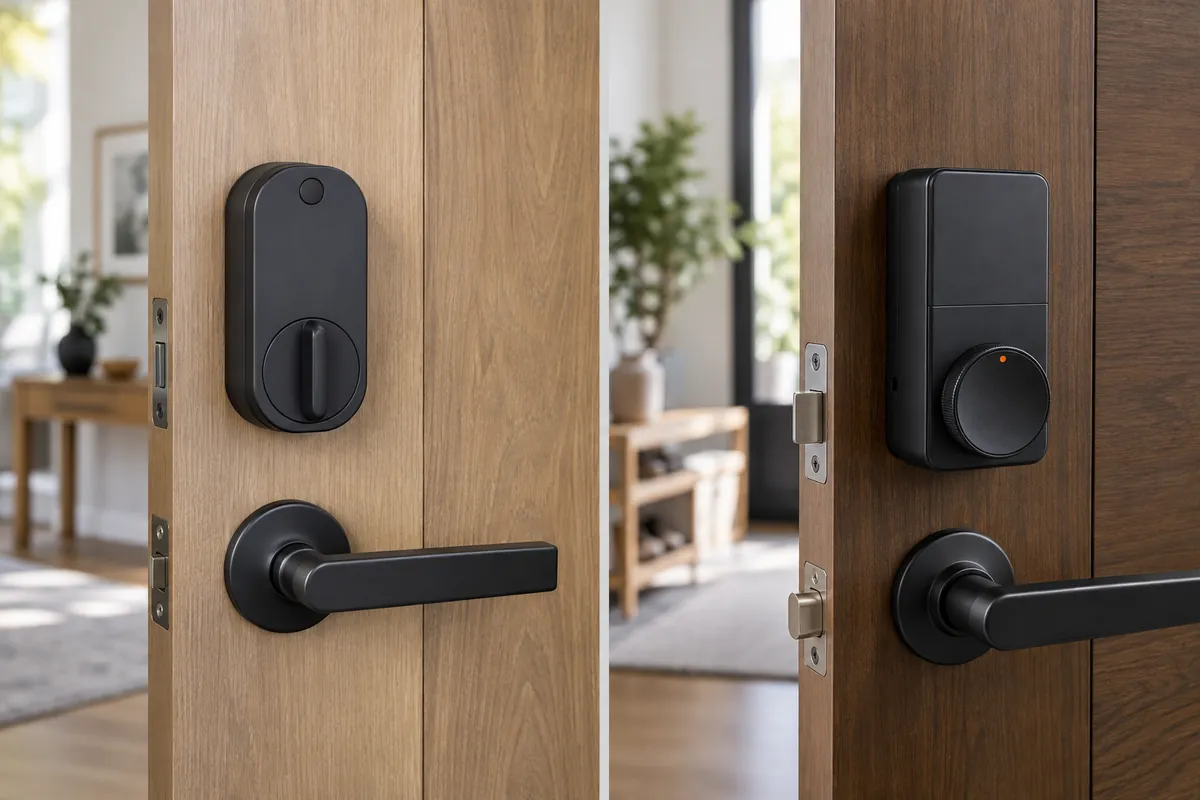
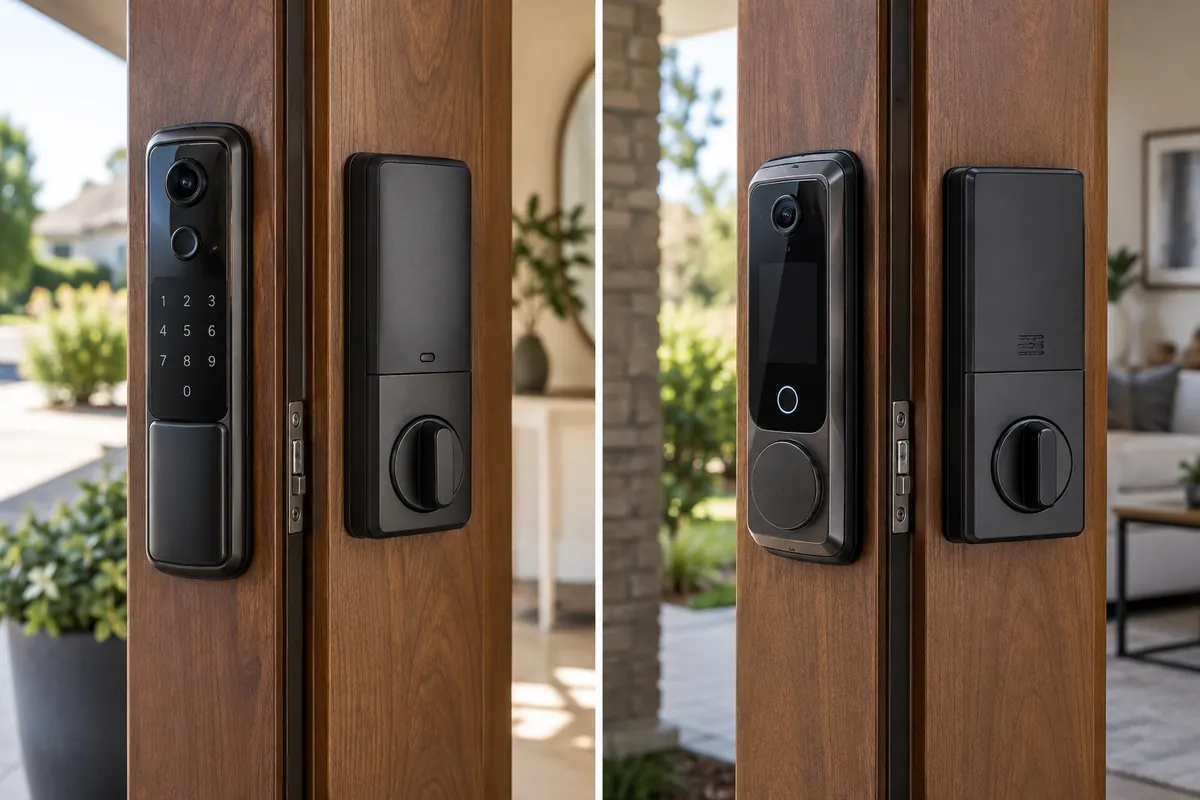
Both replace the existing deadbolt and exterior trim, unlike retrofit motors that leave the outside untouched. That makes bore size, backset, door thickness, edge preparation, strike alignment, and trim clearance mandatory checks. FamiLock S3 Max places its camera and palm reader in a tall exterior assembly and adds a color screen inside. The display can be useful for children or anyone who does not carry a phone, but it increases the interior footprint. For another perspective on smart locks, see our Yale Approach Lock with Wi-Fi + Keypad Touch vs SwitchBot Lock Pro comparison. Lockly Vision Elite integrates a camera, doorbell button, fingerprint sensor, and PIN Genie touchscreen, with a small solar panel designed to assist battery charging. Solar availability depends on door orientation and shade. Neither device should be installed until the deadbolt slides without pushing or lifting the door.
Performance
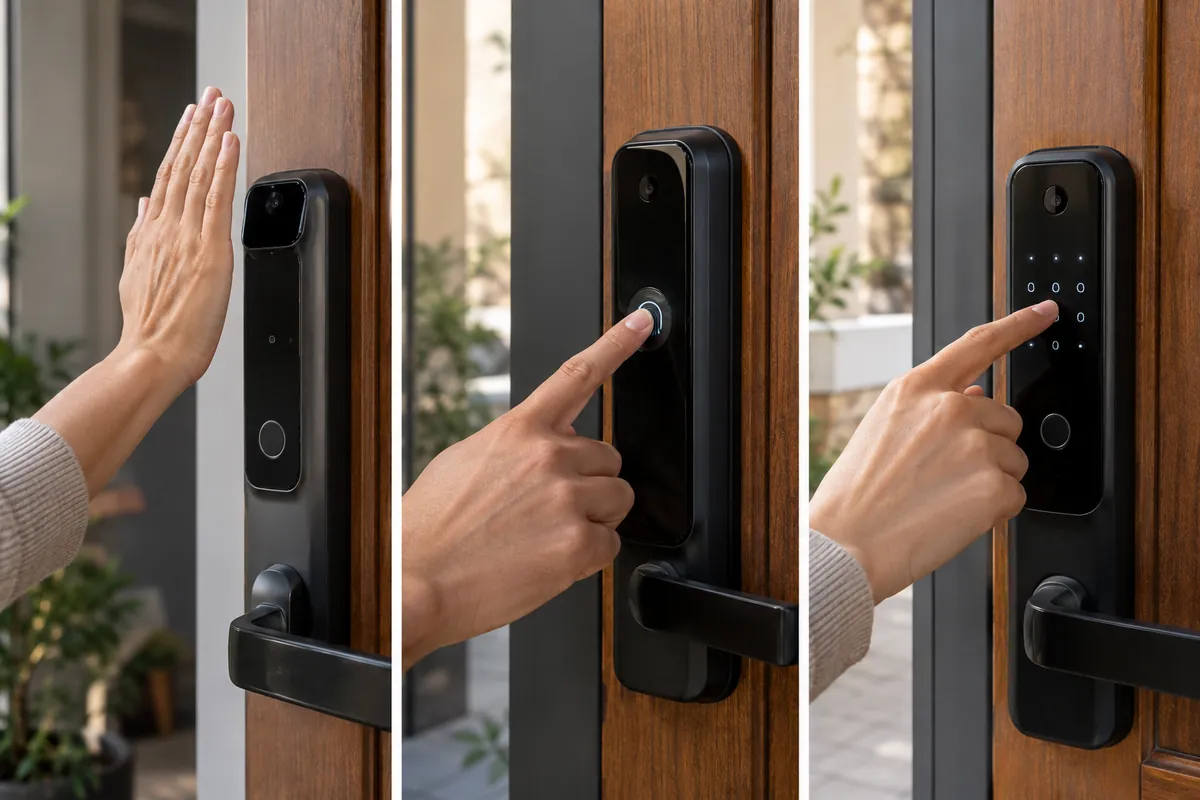
Eufy’s palm-vein system reads a pattern below the skin and is designed for contactless entry, which can avoid some surface-fingerprint problems. Lockly’s reader uses a conventional fingerprint and advertises rapid recognition under suitable conditions. Biometric speed claims do not guarantee every hand, angle, temperature, or skin condition. Enroll permitted alternatives and keep codes and physical keys available. The eufy camera records at up to 2K, while Lockly uses 1080p; useful porch detail still depends on subject distance, lens height, backlighting, bitrate, and motion. A lock-mounted camera sees from handle height, often below an eye-level doorbell, so check whether packages, faces, and the approach all fit the frame before relying on it.
Smart Features
FamiLock combines palm, keypad, app, physical key, auto-lock, doorbell, camera, and interior-screen workflows. Lockly offers fingerprint, PIN Genie codes, app access, physical key, doorbell video, motion, and intercom features. Randomized digit positions on PIN Genie are intended to make shoulder-surfing harder, while palm entry avoids typing. Guests still need a simple documented method. Auto-lock should use a delay that does not repeatedly engage against an open or misaligned door. Video motion alerts need zones and sensitivity tuning to avoid draining batteries on a busy sidewalk.
App Experience
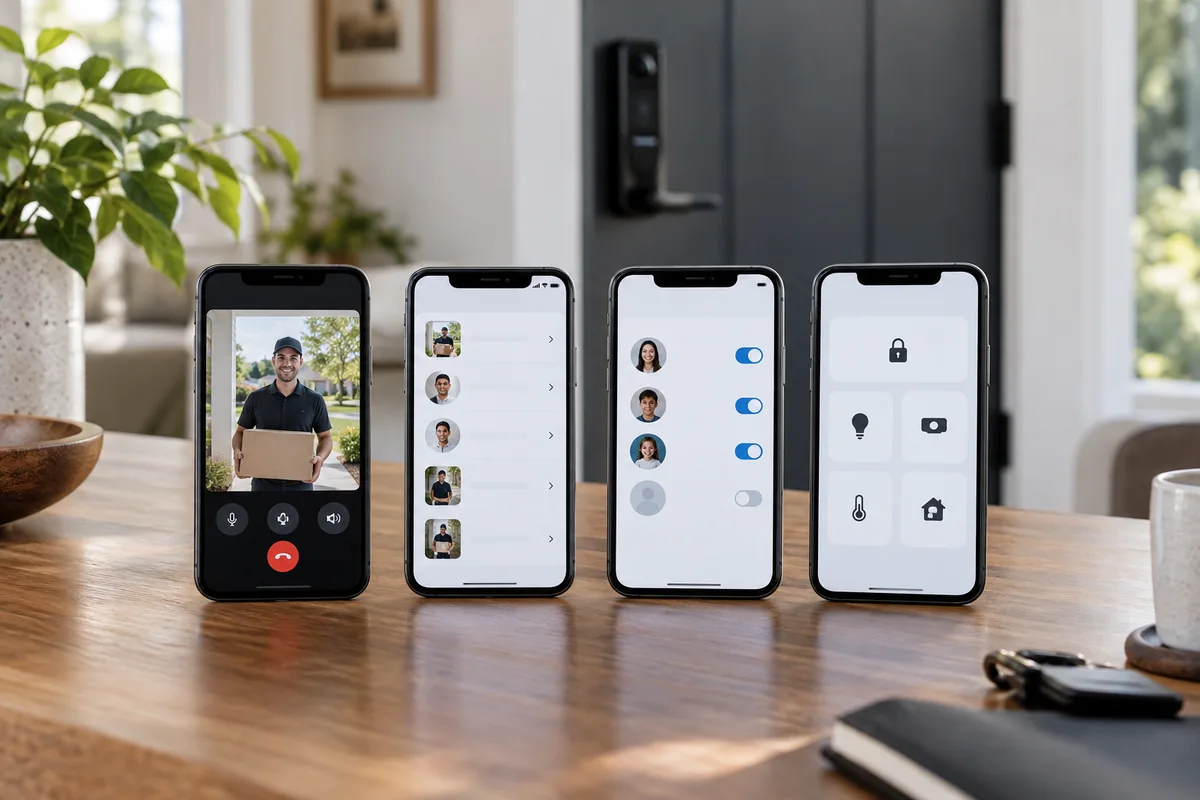
Eufy’s app is the complete control surface for video, local storage, events, access credentials, and advanced lock settings. Matter can expose supported lock functions to another platform, but eufy notes that camera streaming does not travel through Matter. Lockly’s app handles remote lock state, video events, codes, fingerprints, users, and notifications, with assistant support for selected voice commands. For either app, test invitation removal, time-limited codes, clip export, activity history, and administrator recovery. Do not let a shared tablet remain signed in where a visitor can change lock credentials.
Compatibility / Ecosystem
FamiLock’s Matter support can place lock controls in compatible Apple, Google, Alexa, or SmartThings environments, subject to controller and network requirements. Its 2K camera and specialized biometric administration remain in eufy’s app. Lockly works through its own connectivity and lists Alexa and Google support, but does not offer the same Matter positioning. For a different set of smart locks trade-offs, read our Kwikset Halo Select vs ULTRALOQ Bolt Fingerprint guide. A voice assistant should never unlock the door without the platform’s required authentication. Buyers already committed to one ecosystem should verify the exact lock, video, and notification actions rather than assuming a single integration logo covers all three.
Privacy / Security
Video locks combine entry logs, biometric templates, audio, images, and household identities. Use unique passwords and multifactor authentication, limit administrators, delete former residents promptly, and review whether clips or templates stay local or use cloud services. Eufy states that palm-vein data is stored locally on the lock; buyers should still read current privacy documentation and firmware notes. Lockly’s local/no-required-fee approach does not remove remote-access risk. Aim the camera at the property’s entry, use privacy masking where available, and tell household members and regular visitors that audio or video may be recorded.
Key Differences
Palm vein versus fingerprint
Eufy’s contactless reader is less dependent on a clean sensor surface and uses a different biometric pattern. Lockly’s fingerprint method is familiar and fast for many users. Both require fallback credentials and careful deletion when a resident moves out.
Interior display
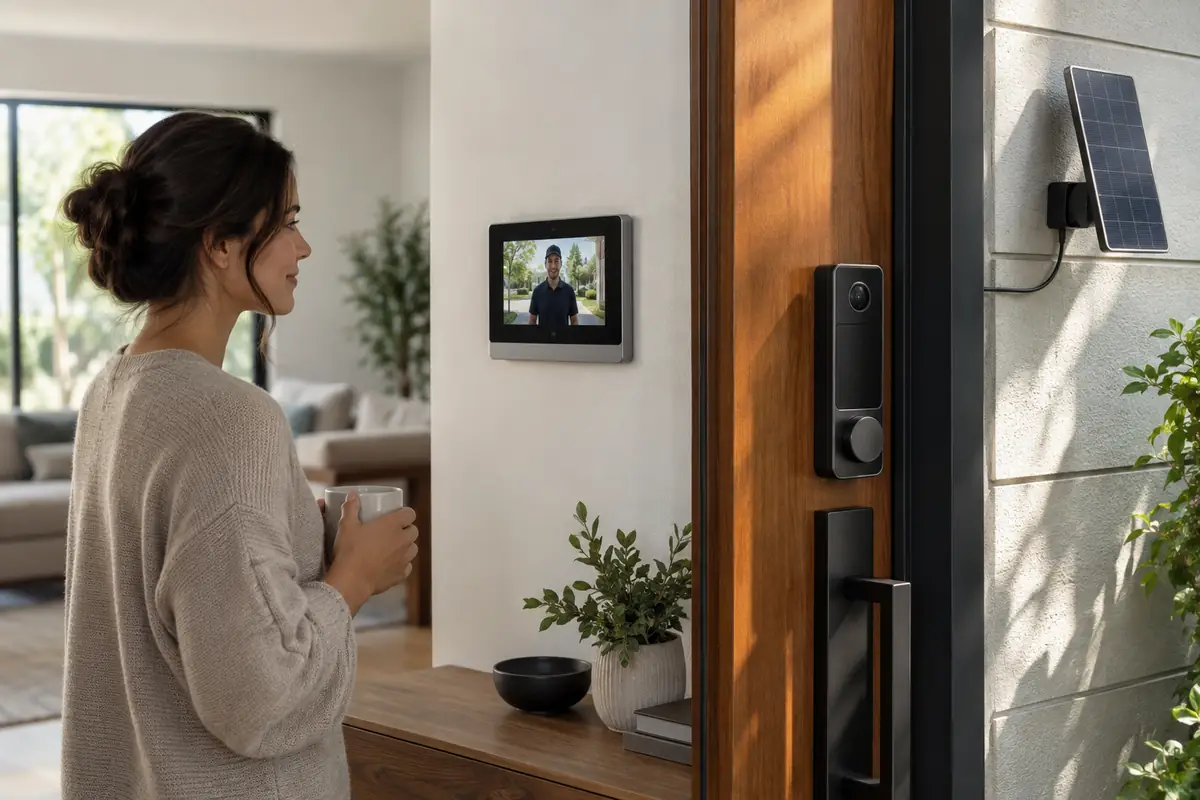
FamiLock’s rear screen provides a direct view of the visitor without opening an app. Lockly expects phone or app viewing. The screen is valuable for phone-free checks but adds hardware, power use, and interior visual bulk.
Video resolution and position
Eufy records up to 2K, while Lockly is 1080p. That favors Eufy on paper, but both cameras sit at lock height. A well-framed 1080p view can be more useful than a poorly aimed 2K view, so inspect the actual approach.
Power design
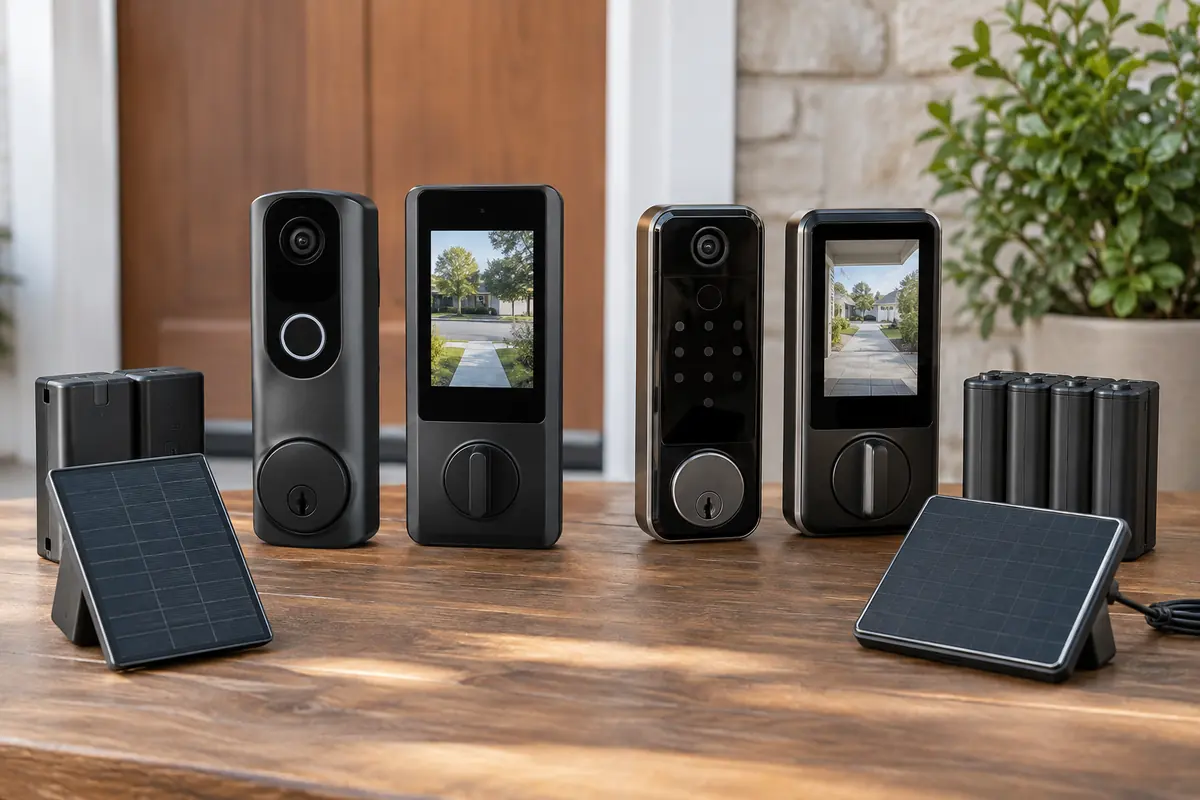
Eufy uses a rechargeable main battery with AAA backup power. Lockly uses rechargeable batteries and solar assistance intended to extend service. If you are still comparing smart locks, our Aqara Smart Lock U300 vs Schlage Encode Smart WiFi Lever breakdown covers another relevant pairing. Neither eliminates charging; weather, video traffic, network quality, and door orientation affect the interval.
Who eufy FamiLock S3 Max Is Best For
eufy FamiLock S3 Max is best suited to buyers with these priorities:
- Households attracted to contactless palm-vein entry.
- Users who want an interior screen for phone-free porch viewing.
- Matter homes that accept separate vendor-app video controls.
- Doors where 2K lock-height framing covers the approach well.
Who Lockly Vision Elite Video Smart Lock Is Best For
Lockly Vision Elite Video Smart Lock is the better match in these situations:
- Buyers who prefer fingerprint entry and PIN Genie codes.
- Doors with useful light for solar charging assistance.
- Alexa or Google households comfortable with Lockly’s app.
- Users who want video-lock functions without a required monthly fee.
FAQ
Does eufy FamiLock stream its camera through Matter?
No. Matter support applies to compatible lock functions; eufy states that the camera stream is not carried through Matter. Use the eufy app for video, recordings, and specialized settings.
Is palm-vein entry the same as facial recognition?
No. It reads vein characteristics in a presented palm rather than identifying a face from the camera. Users must enroll and position a hand correctly. Codes and keys should remain available as fallbacks.
Does Lockly Vision Elite require a subscription?
Lockly markets the product without a required monthly fee for its core video-lock experience. Optional services and current remote features can change, so verify the exact US package and storage behavior before purchase.
Will the solar panel keep Lockly charged forever?
No. Door orientation, shade, season, dirt, temperature, video traffic, and Wi-Fi quality affect solar contribution. Treat it as charging assistance and maintain access to the rechargeable batteries.
Can either lock replace a separate doorbell camera?
Possibly, if lock-height framing captures faces, packages, and the approach. Tall visitors may be poorly framed at some doors. Review the live image before removing an existing eye-level camera or doorbell.
What if biometric entry fails?
Both support alternative methods such as codes, app access, and a physical key. Enroll more than one permitted credential, test every user, and store the mechanical key outside the locked home.
Final Summary
eufy FamiLock S3 Max is the more forward-looking package, combining palm-vein access, 2K video, an indoor screen, and Matter-compatible lock control. Lockly Vision Elite Video Smart Lock favors established fingerprint and keypad habits, adds PIN Genie, and uses solar-assisted rechargeable power without requiring a monthly fee for the core proposition. Choose Eufy for contactless entry and phone-free inside viewing. Choose Lockly for fingerprint access, shifting keypad numbers, and its power design. Whichever you select, verify mechanical fit, correct door alignment, lock-height camera framing, and a reliable non-biometric fallback.