Introduction
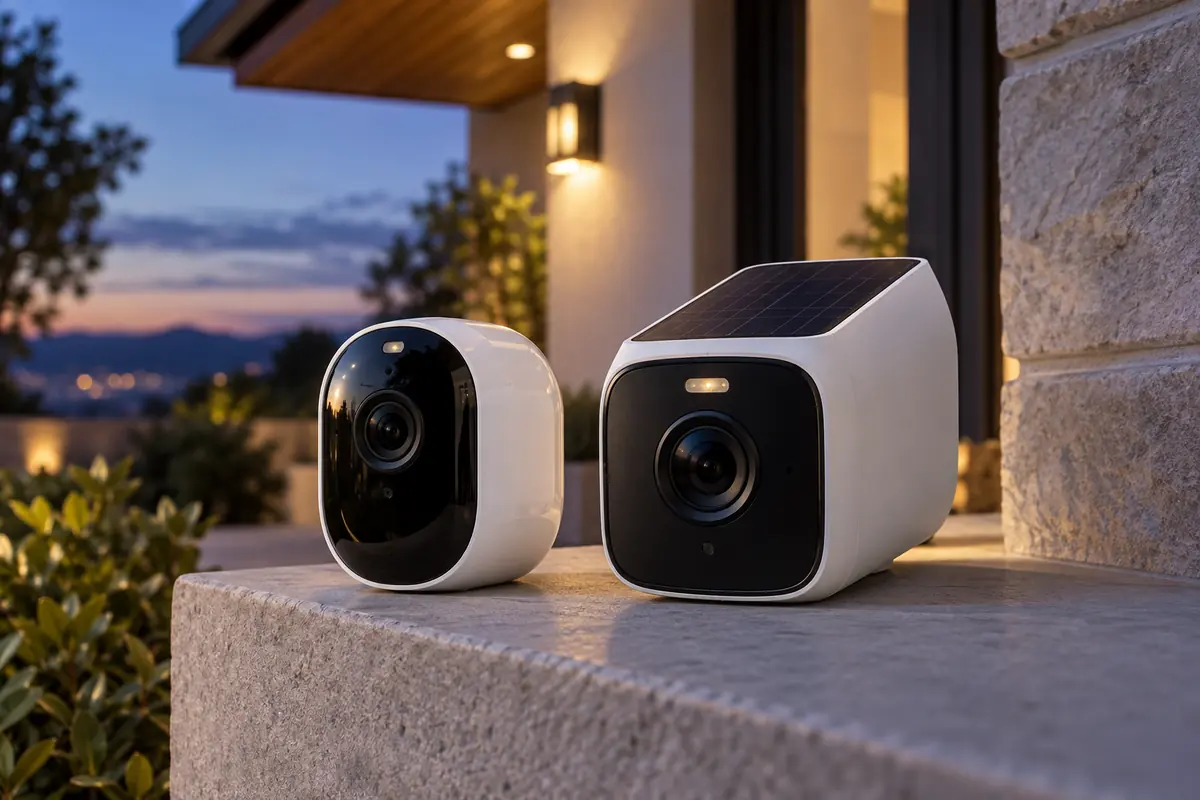
Arlo Pro 5S 2K vs eufyCam S3 Pro compares two current products aimed at the same broad buyer, but their hardware, storage or ecosystem assumptions are not interchangeable. Arlo emphasizes a compact 2K camera, broad 160-degree view, dual-band Wi-Fi, and a cloud-centered service. Eufy uses a 4K sensor, MaxColor low-light system, radar-plus-PIR detection, and HomeBase 3 local storage.
This guide uses current manufacturer specifications and support material rather than claiming personal testing. Published detection ranges, battery estimates, brightness, audio performance, and other laboratory results depend on settings and surroundings. Confirm the exact US model, included accessories, current firmware, and subscription terms before buying, because similarly named regional packages can differ.
Quick Answer
Choose Arlo Pro 5S 2K if a wide view, direct dual-band Wi-Fi, the Arlo app, and its mature cloud alert service matter more than maximum resolution. Choose eufyCam S3 Pro if 4K capture, HomeBase 3 local storage, solar assistance, radar-plus-PIR motion confirmation, and Apple Home support are priorities. For another comparison featuring Arlo Pro 5S 2K, see Tapo C425 vs Arlo Pro 5S 2K. Arlo is simpler for an existing Arlo household; Eufy has the stronger no-mandatory-cloud ownership story, although advanced features and capacity still depend on the base and current software.
Comparison Table
| Feature | Arlo Pro 5S 2K | eufyCam S3 Pro |
|---|---|---|
| Maximum video | 2K HDR | 4K, up to 15 fps |
| Field of view | 160° diagonal | 135° diagonal |
| Night options | Infrared and spotlight color | MaxColor Vision, infrared, spotlights |
| Motion sensing | PIR with cloud-based smart alerts by plan | Radar plus PIR with local AI features |
| Networking | 2.4/5 GHz Wi-Fi; optional SmartHub | HomeBase 3 system connection |
| Local storage | Through a compatible SmartHub setup | 16 GB in HomeBase 3, expandable |
| Weather rating | Outdoor weather-resistant design | IP67 |
| Ecosystems | Alexa, Google; check HomeKit route | Apple Home, Alexa, Google |
Key Differences
Resolution or wider framing
Eufy’s 3840-by-2160 image contains more pixels than Arlo’s 2K stream, while Arlo’s 160-degree diagonal field is wider than Eufy’s 135 degrees. More pixels can help only when the subject occupies enough of the frame and lighting, compression, focus, and motion cooperate. A wider lens covers more area but spreads those pixels across it. Mount for the identification zone rather than trying to watch an entire property from one corner.
Cloud-first and local-first storage
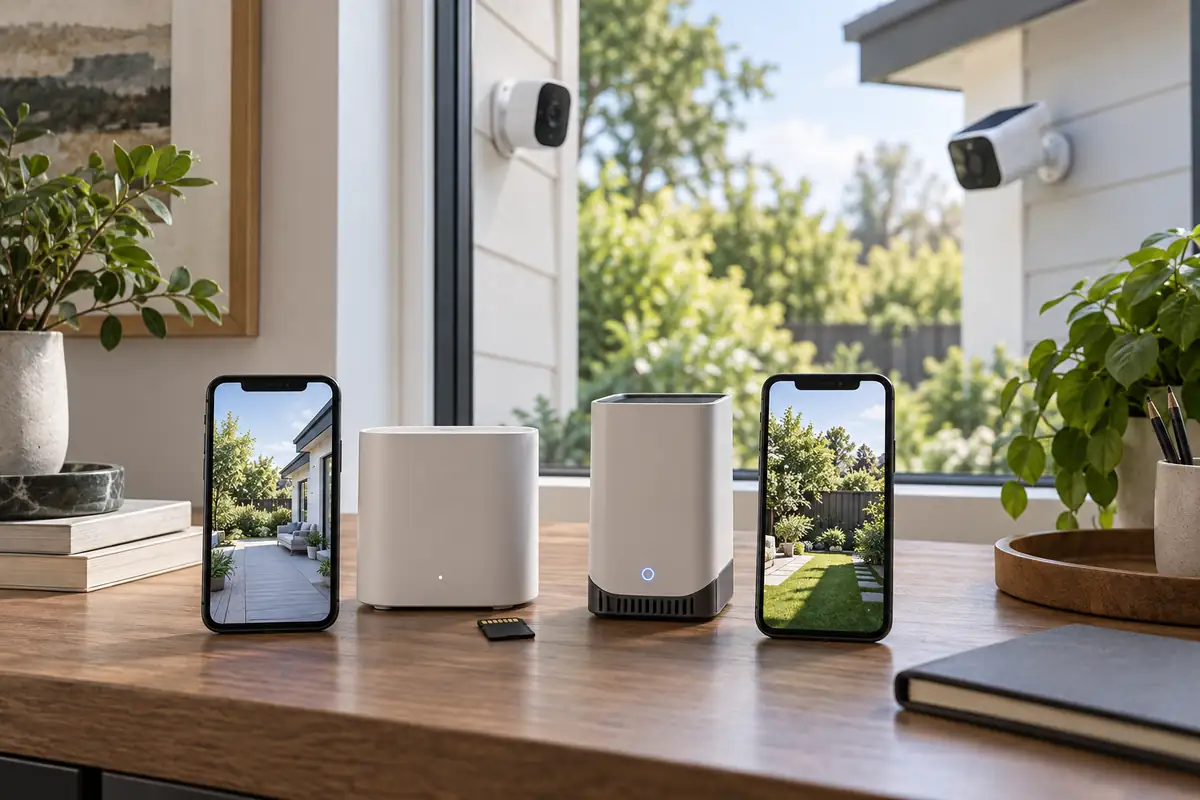
Arlo’s most convenient person, vehicle, package, and history workflow is tied to its current Secure plans, while compatible SmartHub hardware can add local options. Eufy stores events through HomeBase 3, which includes 16 GB and accepts expansion. Local storage avoids making every recording dependent on a plan, but it still needs backups, physical protection, and account security. Compare the exact retention and remote-access behavior you need.
Low-light strategy
Arlo combines infrared night vision with an integrated spotlight for color. Eufy’s F1.0 optics and MaxColor Vision are designed to retain color in low ambient light, with spotlights and infrared available when conditions demand them. Neither can create facial detail from darkness, distance, rain, or fast motion. Add controlled exterior lighting when identification is important and avoid pointing the lens directly at reflective walls.
Motion confirmation
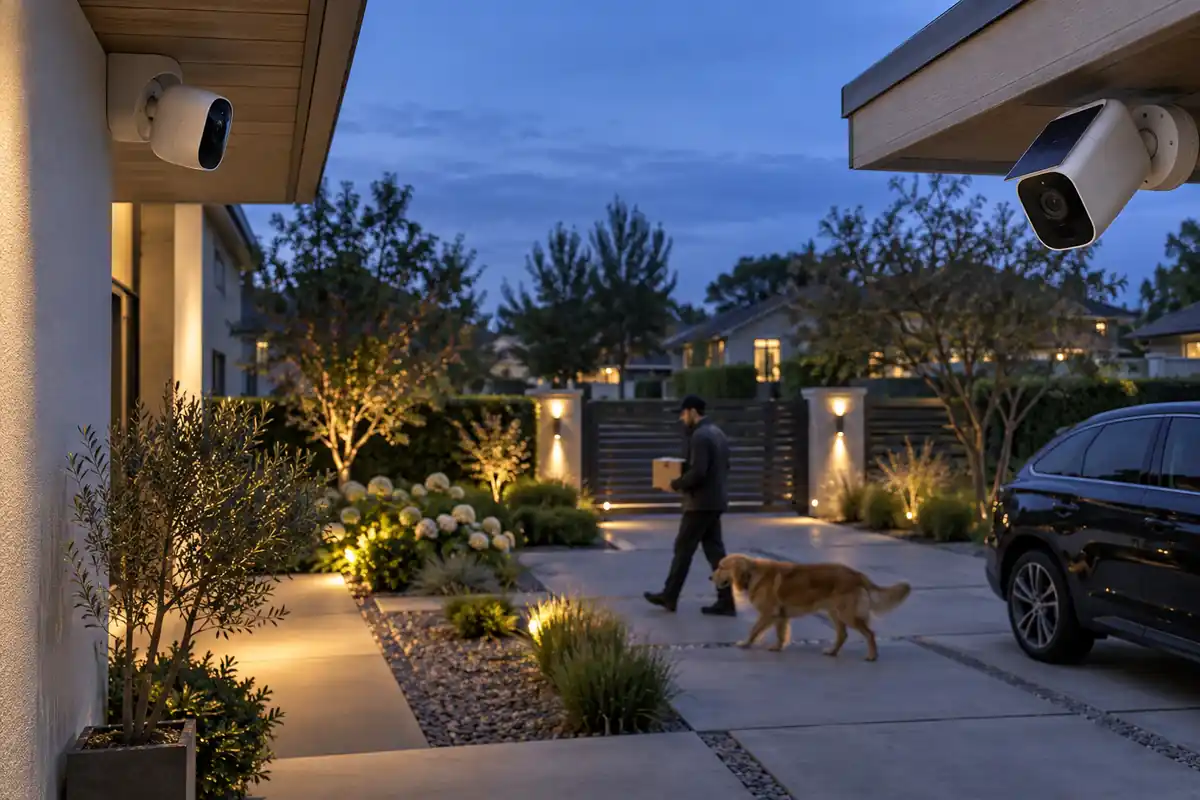
Eufy combines radar and passive infrared sensing to reduce some unwanted triggers before local analysis. Arlo uses its sensor and service-side classification to refine alerts. Trees, insects, headlights, weather, and subjects near the edge can still create misses or nuisance notifications. Set activity zones around paths, tune sensitivity over several days, and keep critical areas covered by more than one security layer.
Major Features Compared
Everyday performance and its limits
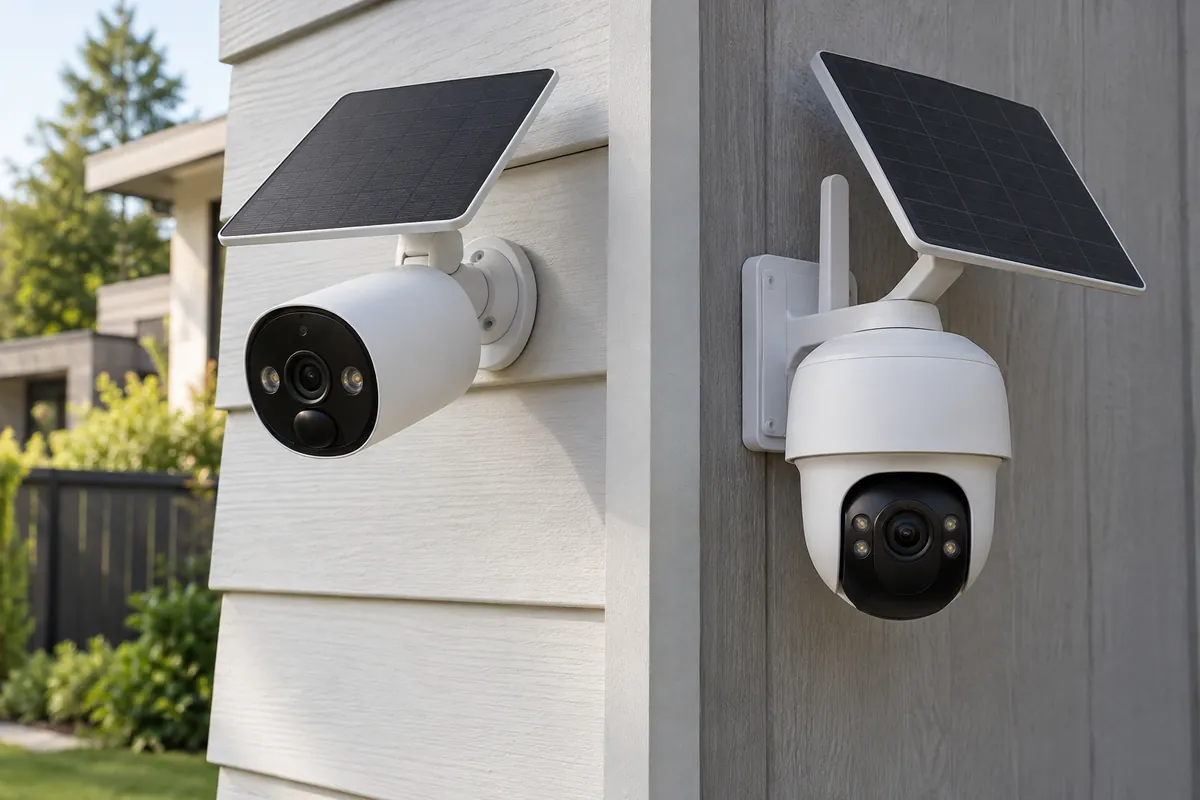
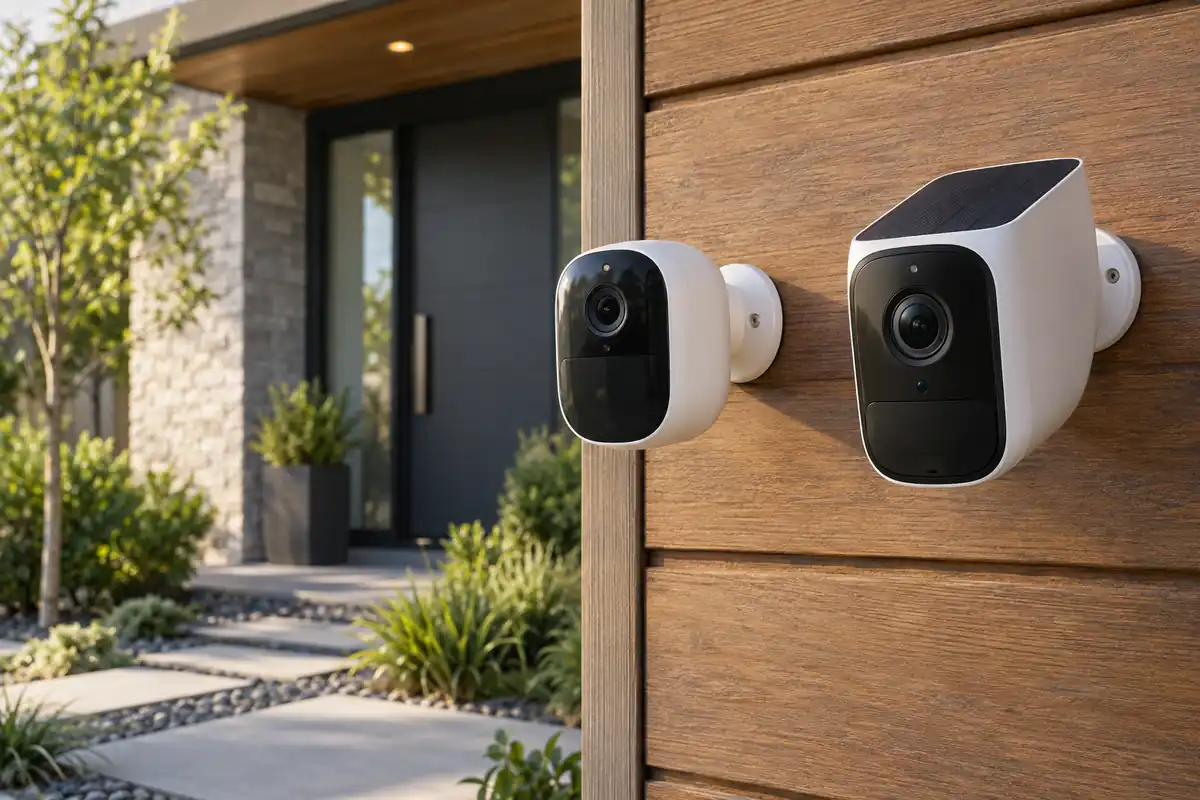
Arlo’s removable battery makes swapping practical, while Eufy pairs a large internal battery with an integrated solar panel intended to offset normal use in suitable sun. Battery life for either camera changes sharply with event volume, live viewing, temperature, signal strength, night lighting, and recording length. Solar claims assume useful daily exposure and cannot overcome shade or constant traffic. Manufacturer numbers are useful for identifying design intent, but they are not a substitute for placement, setup, and maintenance. Compare the complete workflow rather than awarding the decision to one larger number.
Apps, ecosystems, and privacy
Arlo works well for households already paying for Arlo Secure and using its app, cameras, or doorbells. Eufy centers S3 Pro on HomeBase 3 and lists Apple Home, Alexa, and Google compatibility. Apple platform resolution or feature limits may differ from the vendor app, so verify the actual stream and alert behavior instead of assuming every native feature transfers. The eufyCam S3 Pro vs Reolink Argus 4 Pro guide gives eufyCam S3 Pro a different point of comparison. Platform support can change by region or firmware. Protect the account with a unique password and multifactor authentication where offered, review household permissions, and enable only the cloud or sensing functions you plan to use.
Installation and long-term ownership
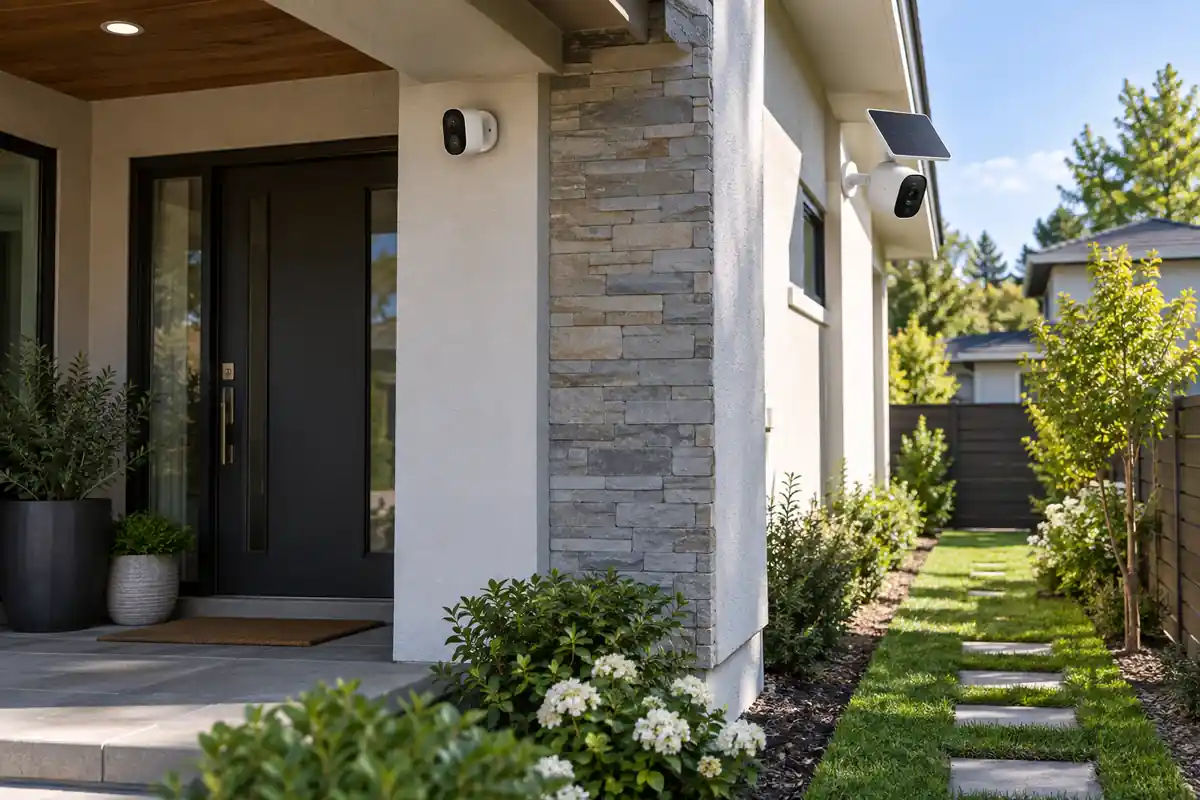
Place either camera high enough to discourage tampering but low enough to capture faces rather than the tops of heads. Check Wi-Fi or base-station signal at the final wall, aim away from neighboring private areas, and plan battery access. Eufy’s HomeBase needs a protected indoor location; an Arlo local-storage design needs the correct compatible hub and media. Before the return window closes, test the difficult real-world conditions, document settings that work, and price required accessories or consumables. A product that is easy to service is usually a better long-term choice than one with an impressive feature you rarely use.
How to Choose for Your Home
Plan the installation before choosing a camera. Mark the approach path, subject distance, mounting height, backlighting, night lighting, Wi-Fi strength, and available sun or power. Decide where recordings should remain if a camera is damaged and how many days of history you actually need. Review account sharing, multifactor authentication, microphones, privacy zones, and recurring plans. Resolution alone cannot recover detail lost to motion blur, poor placement, rain, or an obstructed lens. A camera is one security layer, not a guarantee of detection or prevention.
Who Arlo Pro 5S 2K Is Best For
Arlo Pro 5S 2K is the more natural choice when its defining hardware and platform match the way the product will be used every day.
- Existing Arlo homes that value one app and familiar alerts.
- Sites that benefit from a 160-degree field of view.
- Users who prefer a removable battery and direct dual-band Wi-Fi.
- Buyers comfortable budgeting for the current cloud plan they need.
Who eufyCam S3 Pro Is Best For
eufyCam S3 Pro makes more sense when its different balance of capability, storage, controls, and maintenance solves the more important problem.
- Homes prioritizing 4K recording and local expandable storage.
- Locations with useful sunlight for integrated solar assistance.
- Apple Home households that accept platform-specific limits.
- Users who want radar-plus-PIR motion confirmation.
Frequently Asked Questions
Does 4K automatically make eufyCam S3 Pro better?
No. Resolution helps when the lens, light, subject distance, bitrate, and motion support it. Arlo’s wider view may cover a different area more efficiently. If eufyCam S3 Pro is on your shortlist, our eufyCam S3 Pro vs Aqara G5 Pro comparison is also worth reading. Compare sample framing at the intended mounting distance and preserve the original recording for evidence.
Can Arlo Pro 5S 2K record without a subscription?
Live view and basic operation do not make every feature subscription-dependent, and compatible Arlo hub configurations can support local storage. Cloud history and advanced classifications depend on the current plan. Verify today’s feature table for the exact account region.
Does eufyCam S3 Pro require HomeBase 3?
The S3 Pro system is designed around HomeBase 3 for storage and processing. Confirm whether the listing is a camera add-on or a kit, because an add-on without the required base is not a complete first installation.
Will either camera record continuously?
These battery-oriented models are primarily designed around events, not unrestricted wired 24/7 capture. Continuous recording would sharply affect power and storage. If uninterrupted footage is mandatory, choose hardware explicitly documented for that mode and provide reliable power.
Which camera is safer for privacy?
Privacy depends on configuration as much as brand. Review data retention, cloud uploads, local encryption, shared users, microphone settings, remote access, and breach notifications. Use multifactor authentication and isolate cameras on an appropriate network when possible.
Can solar charging eliminate battery maintenance?
Not in every location. Roof overhangs, winter sun angle, trees, dirt, temperature, and high event traffic can create a deficit. Monitor the charge trend after installation and reposition or schedule manual charging before the battery becomes unreliable.
Final Comparison Summary
Arlo Pro 5S 2K is the better fit for an established Arlo setup, wide framing, easy battery swaps, and buyers who value its cloud service enough to fund it. eufyCam S3 Pro offers the more capable local-storage package, higher resolution, dual-sensor motion approach, and solar-assisted design. Do not choose on 2K versus 4K alone. Map the identification zone, calculate subscription and storage costs, test night motion, and confirm the exact ecosystem behavior that matters to your household.