Introduction
Philips Hue Lightstrip vs Govee LED Strip Lights compares two popular approaches to smart accent lighting. Hue Lightstrip Plus V4 focuses on bright, uniform single-color lighting and deep Hue ecosystem integration, while Govee Strip Light 2 Pro emphasizes segmented multicolor effects, longer starter kits, and app-driven scenes. Both can work under cabinets, behind furniture, or along architectural lines, but they are designed for different priorities.
The Hue model uses a 2-meter base strip that can reach up to 1700 lumens at 4000 K and can be extended with compatible V4 extensions up to 10 meters. The Govee option in this comparison refers specifically to the Strip Light 2 Pro family, including models H61F2, H61F5, and H61F6. These use RGBWWIC technology for multiple color segments and combine Wi-Fi and Bluetooth control. Because Govee sells many other strip-light families, confirm the exact model, length, region, and supported integrations before buying.
Quick Answer
For most buyers, the choice comes down to lighting style and ecosystem. Choose Philips Hue Lightstrip Plus V4 if you want bright, consistent accent lighting, official extensions, Hue Bridge automations, and strong integration with an existing Hue setup. Choose Govee Strip Light 2 Pro if you want addressable multicolor segments, longer starter lengths, RGBWW white channels, music effects, and Wi-Fi/Bluetooth control. Hue is better suited to integrated functional accent lighting, while Govee is stronger for animated decorative effects.
Comparison Table
| Feature | Philips Hue Lightstrip Plus V4 | Govee Strip Light 2 Pro |
|---|---|---|
| Light behavior | One white or color shade at a time | Segmented RGBWWIC multicolor effects |
| Base length | 2 m / 6.6 ft | 6.56, 16.4, or 32.8 ft kits |
| Extension | Official extensions up to 10 m / 32 ft | Model-dependent extensions; published maximum 10 m |
| Cutting | Cut marks every 33 cm; V4 connector support | Cut marks by segment; cut portions have limitations |
| Brightness | Up to 1700 lumens at 4000 K | 340 lumens per meter published |
| White range | 2000–6500 K | RGBWW blend; verify current specification |
| Network | Bluetooth or Zigbee via Hue Bridge | Wi-Fi and Bluetooth |
| Matter | Via Hue Bridge | Verify exact Strip Light 2 Pro package and firmware |
Philips Hue Lightstrip vs Govee LED Strip Lights: Key Differences
Single-color output versus segmented effects
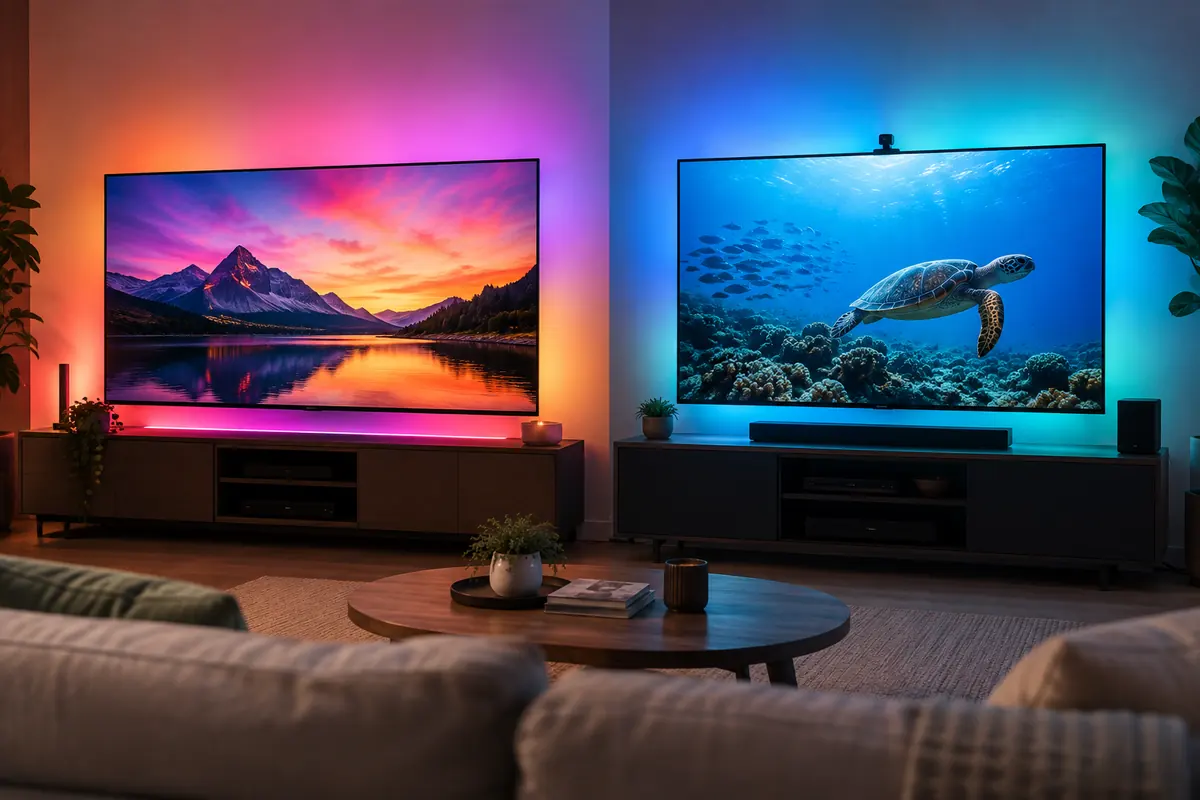
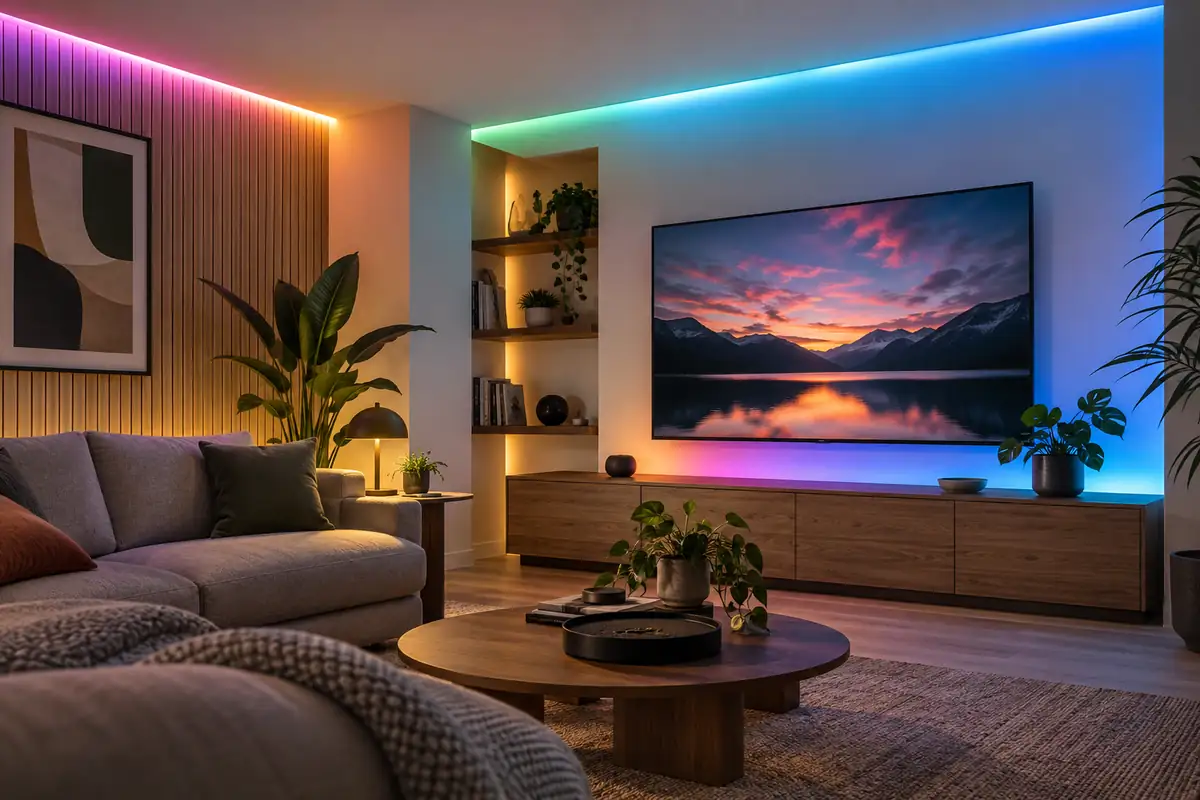
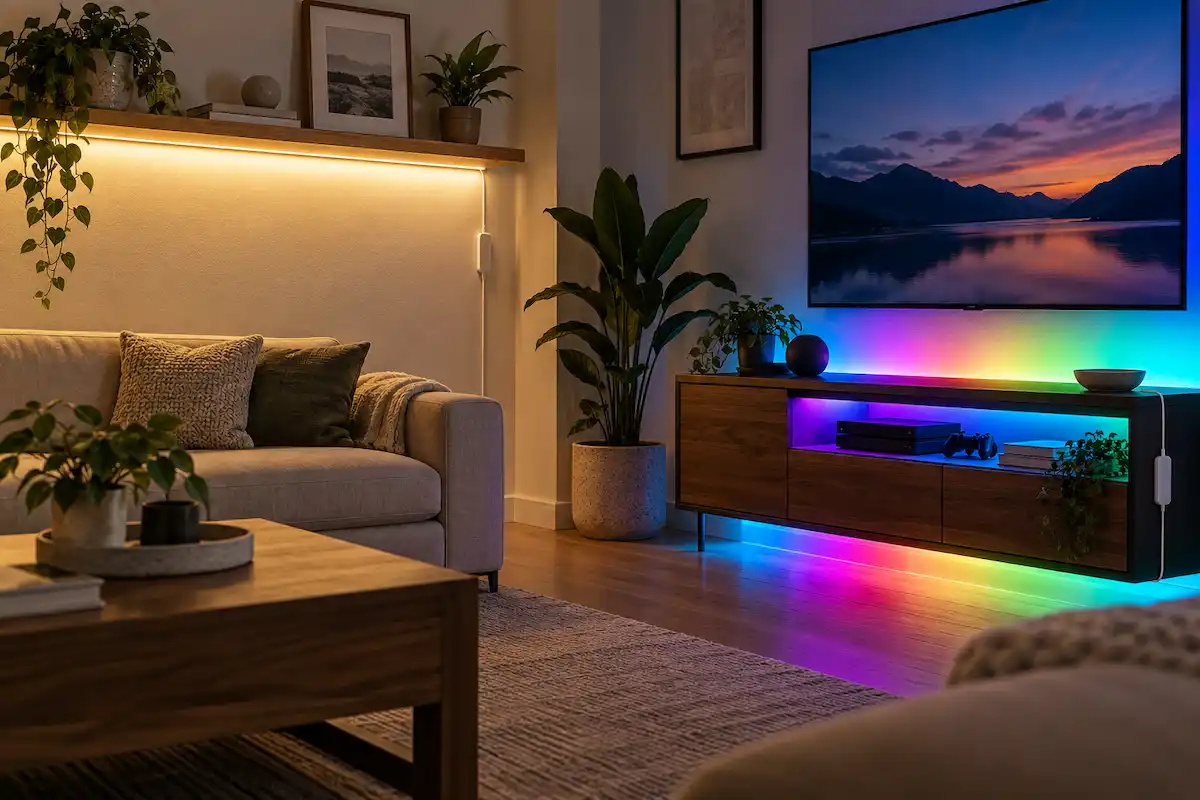
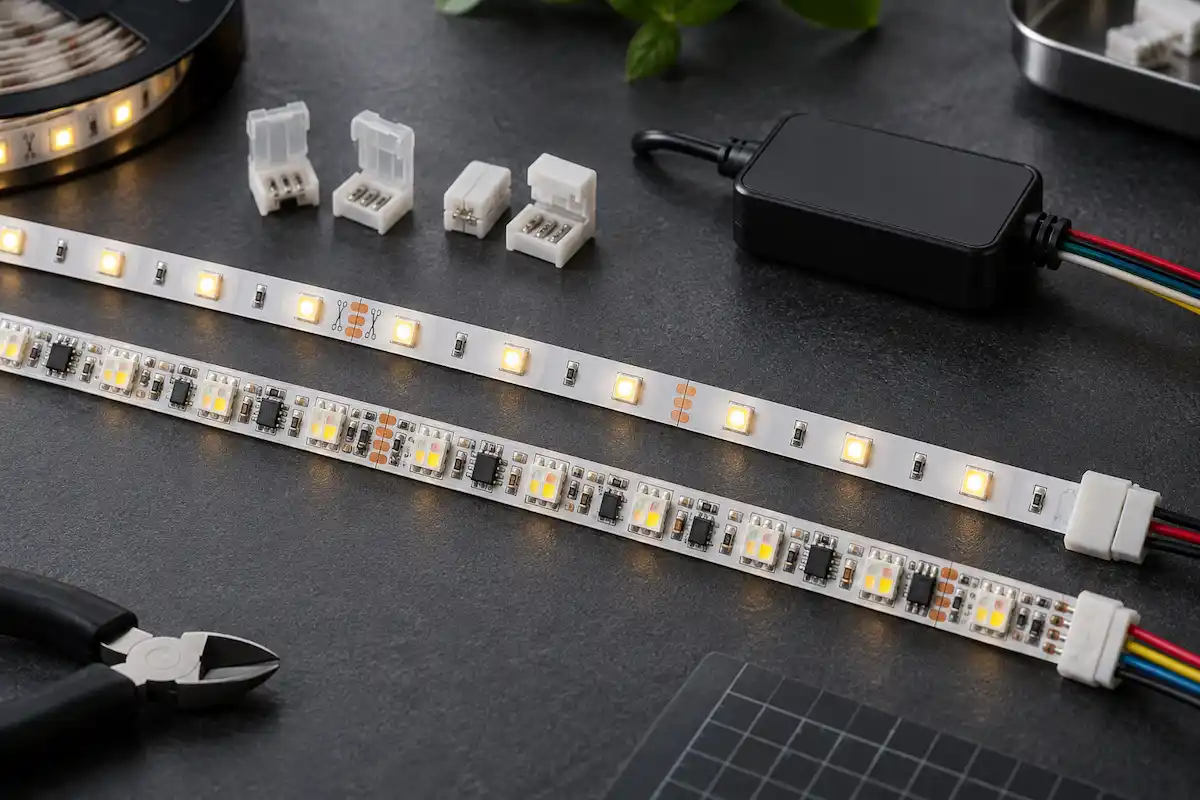
Philips Hue Lightstrip Plus displays one color or one white setting across the entire strip at a time. Govee Strip Light 2 Pro uses addressable RGBWWIC segments that can display multiple colors simultaneously and animate patterns. That gives Govee an advantage for gaming rooms, parties, decorative walls, and visible color effects. To compare more Philips Hue options, see our Philips Hue vs Govee Smart Bulbs guide. The Hue strip has a simpler visual style that can look more coherent under cabinets, behind furniture, or inside coves where uniform lighting is the goal. Neither bare strip hides individual light points as effectively as a suitable diffuser channel.
Brightness and useful white light
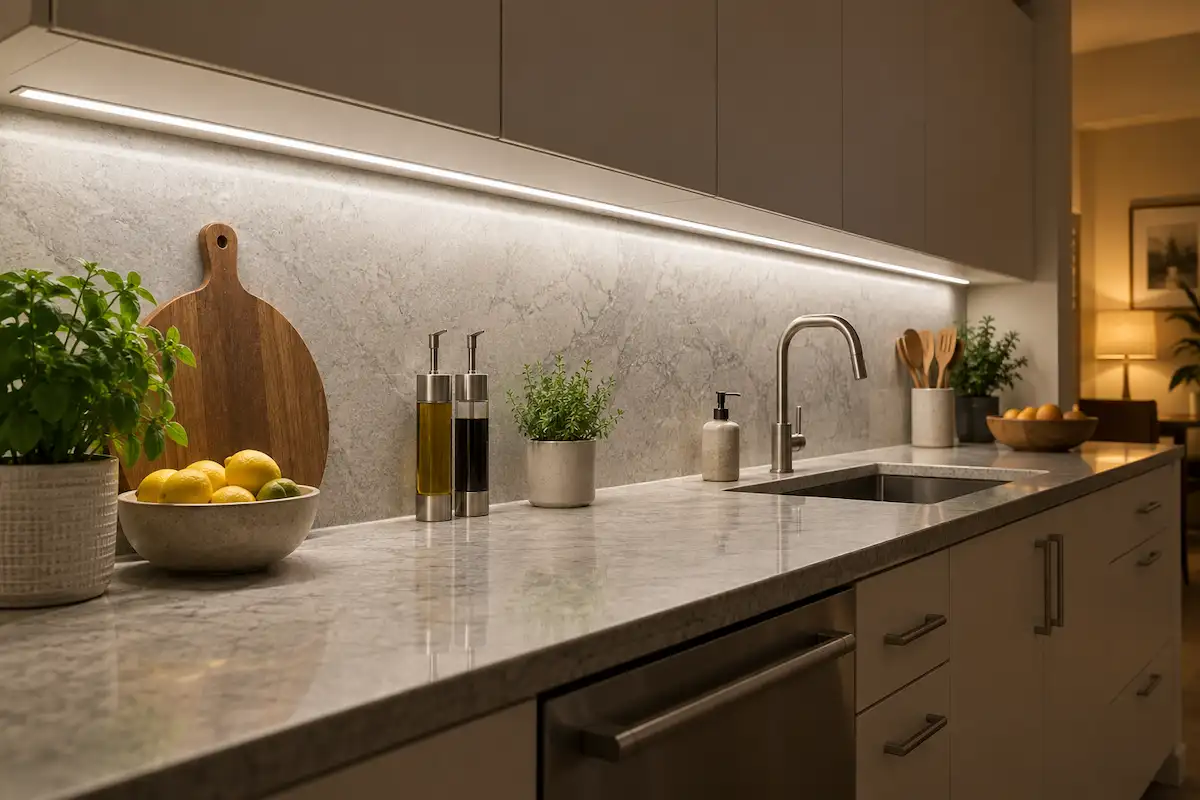
Philips Hue Lightstrip publishes up to 1700 lumens at 4000 K for its two-meter base and 1140 lumens at 2700 K. Govee Strip Light 2 Pro lists 340 lumens per meter. These figures are not directly equivalent because total output changes with strip length and color selection. In practical use, the Hue strip is the clearer option when the strip is expected to contribute useful room or task-adjacent light. Govee places more emphasis on color effects and segmented animation than on a simple total-lumen advantage.
Length, cutting, and extension
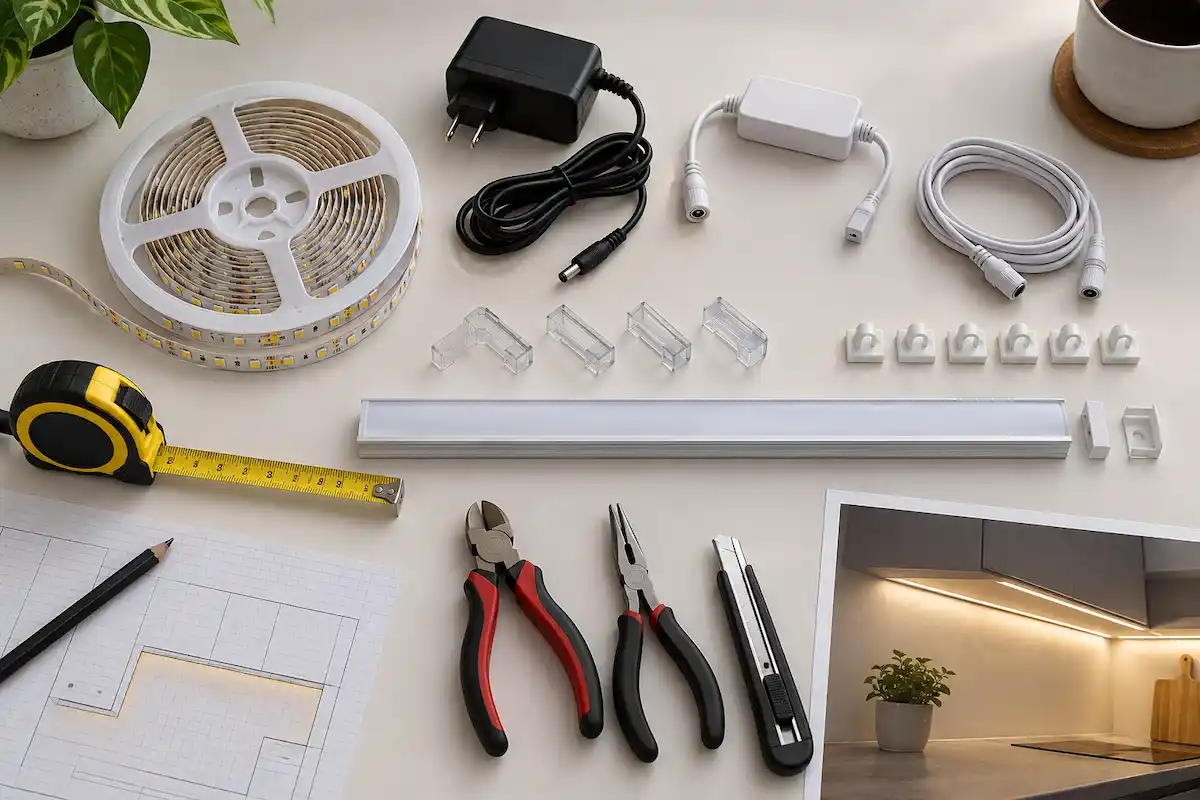
Hue starts with a two-meter base and accepts one-meter V4 extensions up to ten meters. It has marked cut points every 33 cm and includes connector support for compatible V4 reconnection. Govee LED Strip Lights are available in longer starter kits, which can simplify a large room installation. Govee also publishes a ten-meter assembled maximum for this product family, although extension and cutting behavior depend on the exact model and segment. Plan the full route before cutting either product because corners, gaps, furniture, and power placement can use more length than expected.
System architecture
Philips Hue Lightstrip can provide basic local control over Bluetooth, while the Hue Bridge adds Zigbee networking, remote functions, accessories, entertainment features, and Matter exposure. Govee Strip Light 2 Pro uses Wi-Fi and Bluetooth, with much of its scene and effect creation handled through Govee Home. Direct connectivity can be convenient for a single strip, while a bridge-based system becomes more useful when lighting expands across several rooms. Exact Govee third-party integration support should be checked by model because the wider product family varies.
Major Features Compared
Scenes and entertainment
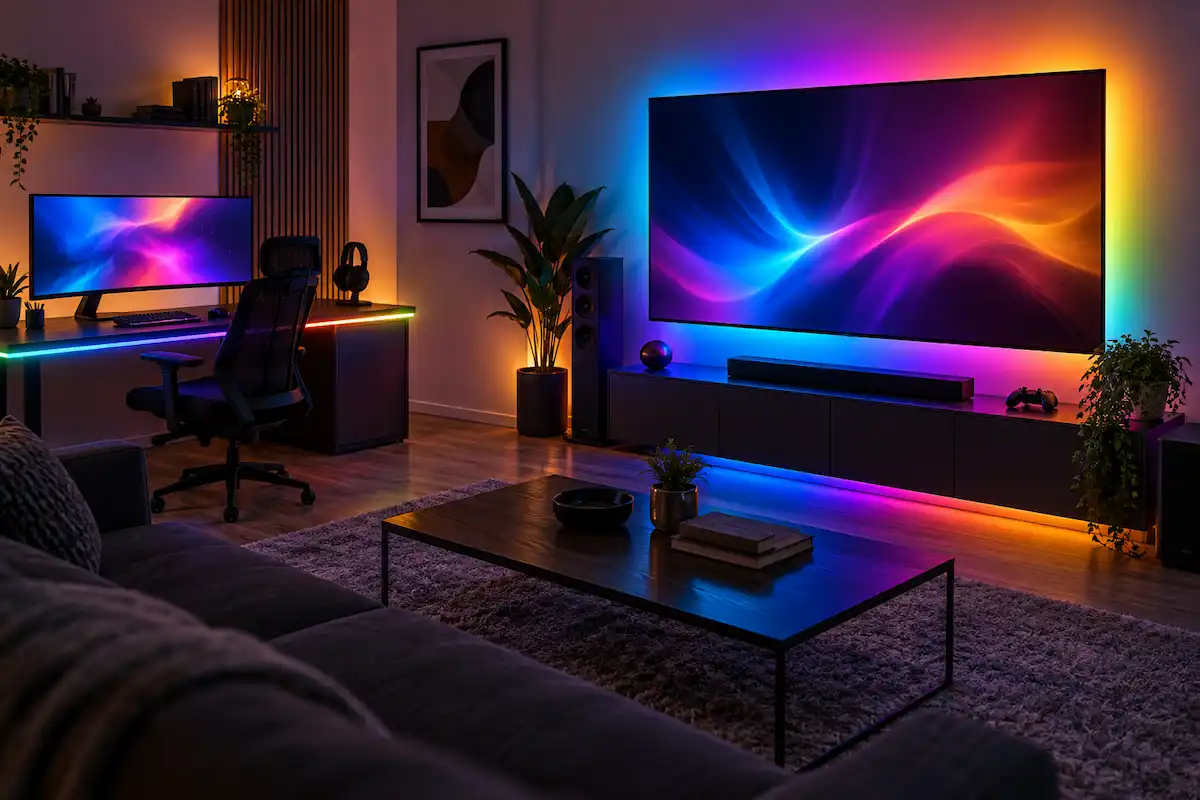
Govee LED Strip Lights are designed around visual effects. Strip Light 2 Pro supports segmented DIY scenes, music reactions, DreamView synchronization with compatible Govee products, and effect libraries. Philips Hue Lightstrip can participate in Hue scenes and supported entertainment setups, but it remains a single-color zone. For subtle bias lighting or cabinetry, Hue’s consistent output may be preferable. For visible animated color chasing, Govee provides the more appropriate hardware.
Installation quality
Both products use adhesive-backed flexible strips intended for clean, dry, smooth surfaces. Adhesive performance can vary with paint, texture, heat, dust, and repeated repositioning. Aluminum channels may improve straightness, diffusion, and heat management, but fit should be verified before installation. Avoid sharp bends across components and respect the marked cut points. For a different Philips Hue matchup, take a look at Philips Hue Signe Gradient Floor Lamp vs Govee Floor Lamp 2. Hue Lightstrip Plus V4 is indoor IP20 hardware, so it should be kept away from moisture. Environmental limits for Govee Strip Light 2 Pro should be checked on the exact kit.
Controls and automations
Philips Hue Lightstrip benefits from compatible switches, motion sensors, schedules, and cross-platform routines when used with the Hue Bridge. Govee LED Strip Lights offer app scenes, voice control, timers, and coordination with supported products. The best system depends partly on how you want the strip to behave when a phone is unavailable. A physical switch or reliable automation can matter more for everyday use than a large collection of effects that are rarely activated.
Maintenance and replacement
Integrated LED strips do not allow individual diode replacement. Adhesive, controllers, power supplies, and connectors may fail before the nominal LED lifetime. Hue uses a modular extension system that can simplify a known layout, although V4 compatibility must be respected. Longer Govee kits reduce the number of connectors but may make partial replacement more difficult. Leave the power supply and controller accessible rather than permanently sealing components that may need service later.
How to Choose for Your Home
When comparing these two strips, start with the room and the installation path. Measure the full route, decide whether the strip will be hidden or visible, and determine whether you need useful white light or mainly decorative color effects. Philips Hue Lightstrip makes more sense when consistent white output, Hue Bridge accessories, and integration with an existing Hue system are priorities. Govee LED Strip Lights make more sense when multicolor segments, longer starter kits, and animated effects matter most.
Also consider how the strip will be controlled day to day. A direct Wi-Fi or Bluetooth setup can be simple for one room, while a bridge-based system can become more valuable across a larger smart-lighting setup. Physical controls, automation reliability, replacement availability, extension options, and consistent white light often have more impact on long-term satisfaction than the number of available scenes.
Who Philips Hue Lightstrip Plus V4 Is Best For
Philips Hue Lightstrip Plus V4 is best for established Hue homes and spaces where bright, consistent accent or task-adjacent light matters more than displaying multiple colors at once. Its Bridge integrations and official extensions are particularly useful for planned installations.
- Kitchen toe kicks, cabinets, and coves needing useful white light.
- Homes that already use the Hue Bridge.
- Layouts that benefit from official one-meter extensions.
- Users who want Hue switches, sensors, and ecosystem routines.
Who Govee Strip Light 2 Pro Is Best For
Govee Strip Light 2 Pro is best for entertainment spaces where color segmentation is the main visual goal. Our LIFX SuperColor A21 vs Philips Hue A21 1600 comparison offers another perspective on Philips Hue products. Long starter-kit options can also reduce the need to join many smaller extensions around a room.
- Gaming rooms and decorative walls.
- Users who want multiple colors on one strip at the same time.
- Long runs suited to available 16.4- or 32.8-foot kits.
- Govee households using DreamView and app effects.
Frequently Asked Questions
These questions cover color zones, cutting, brightness, bridges, and indoor placement.
Can Philips Hue Lightstrip Plus show multiple colors at once?
No. Philips Hue Lightstrip Plus V4 shows one color or white setting across the strip at a time. Other Hue gradient products are separate models.
Can Govee Strip Light 2 Pro show multiple colors?
Yes. Its RGBWWIC design supports addressable multicolor segments and animated effects within the capabilities of the Govee app.
Can both strips be cut?
Both provide designated cut locations, but the rules differ and removed sections may not remain usable. Follow the exact model instructions before making an irreversible cut.
Which strip is brighter?
Hue publishes up to 1700 lumens for its two-meter base. Govee publishes output per meter for Strip Light 2 Pro. Compare the intended installation length and white-light setting rather than relying on one isolated number.
Does Philips Hue Lightstrip require the Hue Bridge?
Not for basic supported Bluetooth control. The Hue Bridge adds the broader Zigbee ecosystem, accessories, remote automation, entertainment features, and Matter integration.
Are these strips suitable outdoors?
Hue Lightstrip Plus V4 is an indoor IP20 product and should not be used outdoors. Check the exact Govee kit rating and choose a specifically outdoor-rated product for exposed locations.
Final Comparison Summary
The comparison comes down to integrated, bright accent lighting versus segmented decorative effects. Philips Hue Lightstrip Plus V4 provides strong white-light output, official extensions, and deeper integration with the Hue ecosystem. Govee Strip Light 2 Pro provides RGBWWIC multicolor segments, long starter-kit options, and more animated effects.
For a kitchen, cove, or established Hue home, the Hue strip is the more natural fit when consistent light and automation matter most. For a gaming room or decorative installation where multiple colors and motion effects are the priority, the Govee strip is better aligned with that goal. Measure the installation path, plan corners and power placement, and confirm cutting and extension rules before installing either product.