Introduction
Govee Strip Light 2 Pro vs Nanoleaf Matter Smart Multicolor HD Lightstrip is a useful comparison because both products pursue the same job with different hardware and ecosystem assumptions. Both create multicolor gradients rather than showing only one color across the strip. Govee emphasizes dense RGBWW lighting, DreamView coordination, elaborate scenes, and several length choices. Nanoleaf offers Standard and HD zone densities, direct Matter-over-Wi-Fi integration, and screen or music features within Nanoleaf’s ecosystem.
This buying guide uses current US manufacturer specifications and support material; it does not claim personal testing. Published battery, detection, suction, brightness, and coverage figures depend on settings and conditions. Confirm the exact model, included accessories, firmware, and subscription terms before ordering.
Quick Answer
Choose Govee Strip Light 2 Pro if the Govee Home effects library, DreamView synchronization, RGBWW white-light hardware, multiple lengths, and dense scene customization are priorities. Choose Nanoleaf Matter Smart Multicolor HD Lightstrip if direct Matter-over-Wi-Fi setup, 300 addressable zones on the HD version, broad smart-home control, and Nanoleaf desktop screen mirroring better match your room. Govee is the richer effects platform for enthusiasts. Nanoleaf HD is the cleaner choice for very fine gradients and Matter-centered control, but it is not extendable. Confirm the exact Standard or HD model because their zone counts differ dramatically.
Comparison Table
| Feature | Govee Strip Light 2 Pro | Nanoleaf Matter Smart Multicolor HD Lightstrip |
|---|---|---|
| Color system | RGBWW | RGB on listed multicolor model with tunable white output |
| Published density | 60 LEDs per meter | HD version: 60 LEDs and 60 zones per meter |
| Zones | Segmented multicolor control | Standard 50 zones; HD 300 zones at 5 meters |
| Lengths | Several US package lengths | 5-meter/16.4-foot listed strip |
| Matter | Supported on listed model/firmware | Matter over Wi-Fi |
| Screen sync | DreamView with compatible Govee products | Nanoleaf Desktop screen mirroring |
| Music | Phone/controller music modes | Rhythm music visualization |
| Cut/extend | Cut only at marked points; package rules apply | Trim at marked points; not extendable |
Design / Hardware
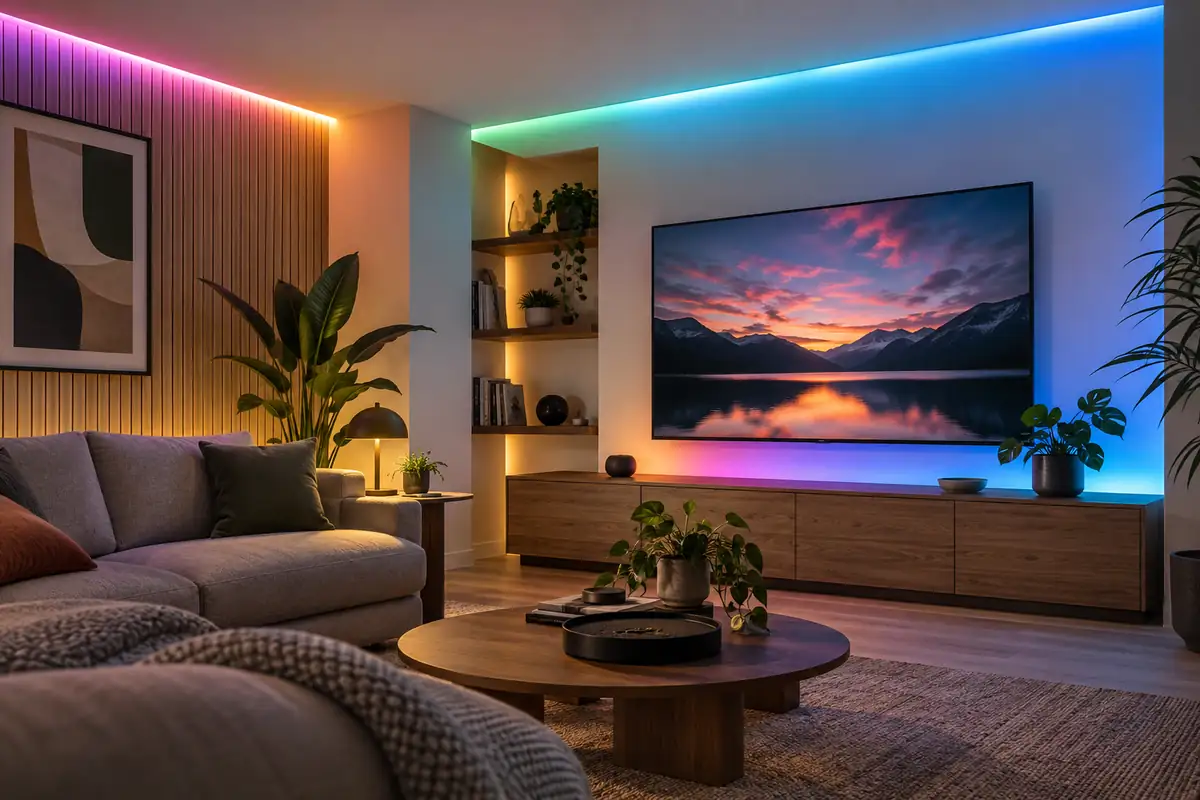
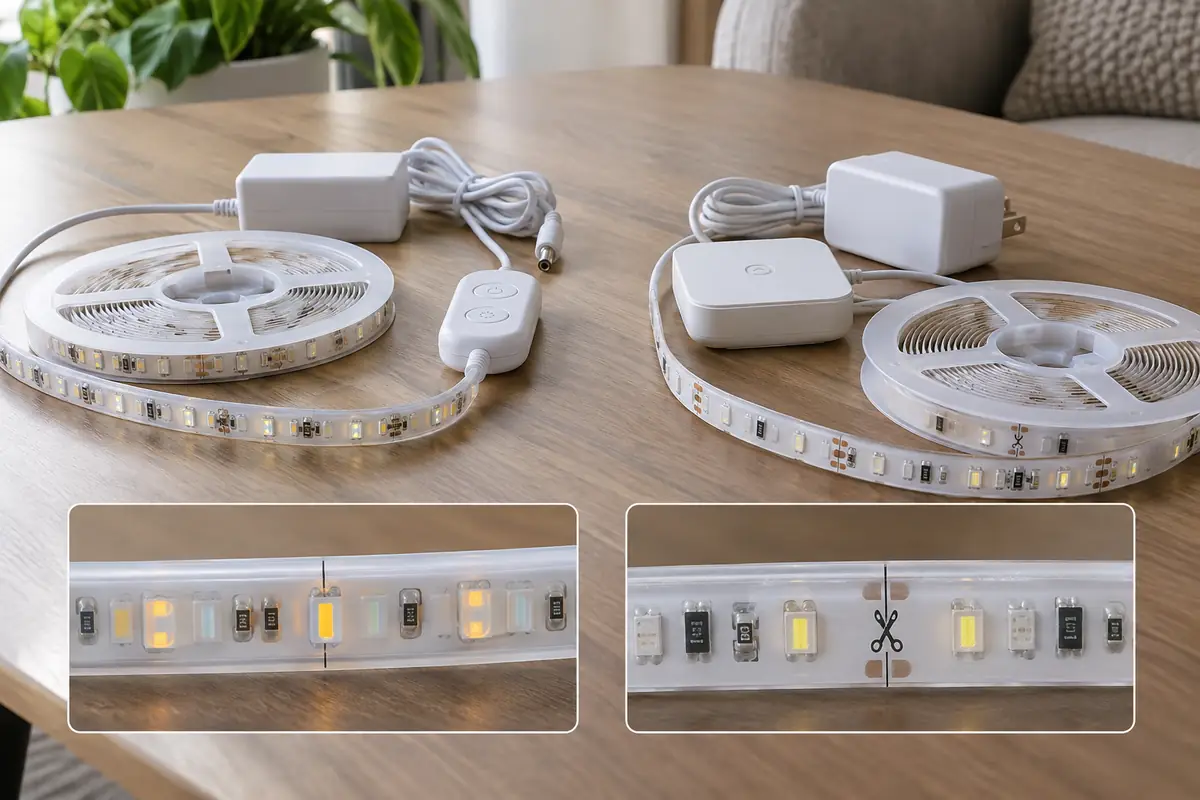
Govee sells Strip Light 2 Pro in multiple lengths, reducing the need to hide a large unused tail. Its RGBWW package uses dedicated warm- and cool-white elements alongside color LEDs, useful when the strip sometimes serves as room light rather than decoration. Nanoleaf’s 5-meter strip is available in Standard and HD variants; the HD model sharply increases addressable zones for smoother moving gradients. Both use adhesive backing, a wired controller, and an AC adapter. Neither strip should be bent tightly across a corner, twisted, or mounted over dusty, textured, hot, or damp surfaces. Plan the controller and outlet first, dry-fit the full route, and cut only at marked positions because removed sections may not be reusable.
Performance
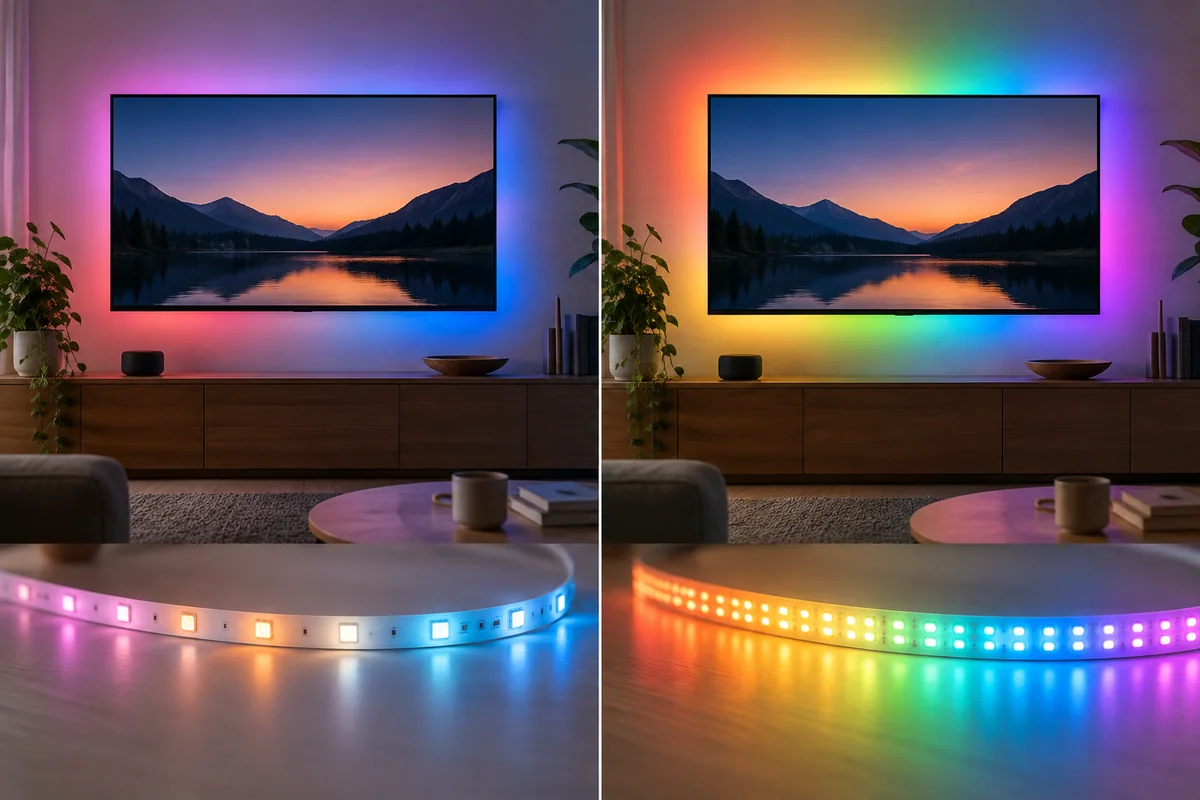
Govee lists 60 LEDs per meter and roughly 340 lumens per meter, while Nanoleaf lists about 550 lumens for the complete 5-meter strip. Those figures describe different measurement presentations and do not establish which installation looks brighter on a wall. Surface color, distance from the diffuser, viewing angle, voltage drop, and scene colors change perceived output. Govee’s RGBWW design should produce more intentional white tones than RGB mixing alone, while Nanoleaf specifies a tunable white range for practical illumination. The HD Nanoleaf’s main advantage is spatial resolution: 300 zones across the strip allow fine gradients and animations. Govee’s strength is an effects engine built around many scene styles and coordination with other Govee lights.
Smart Features
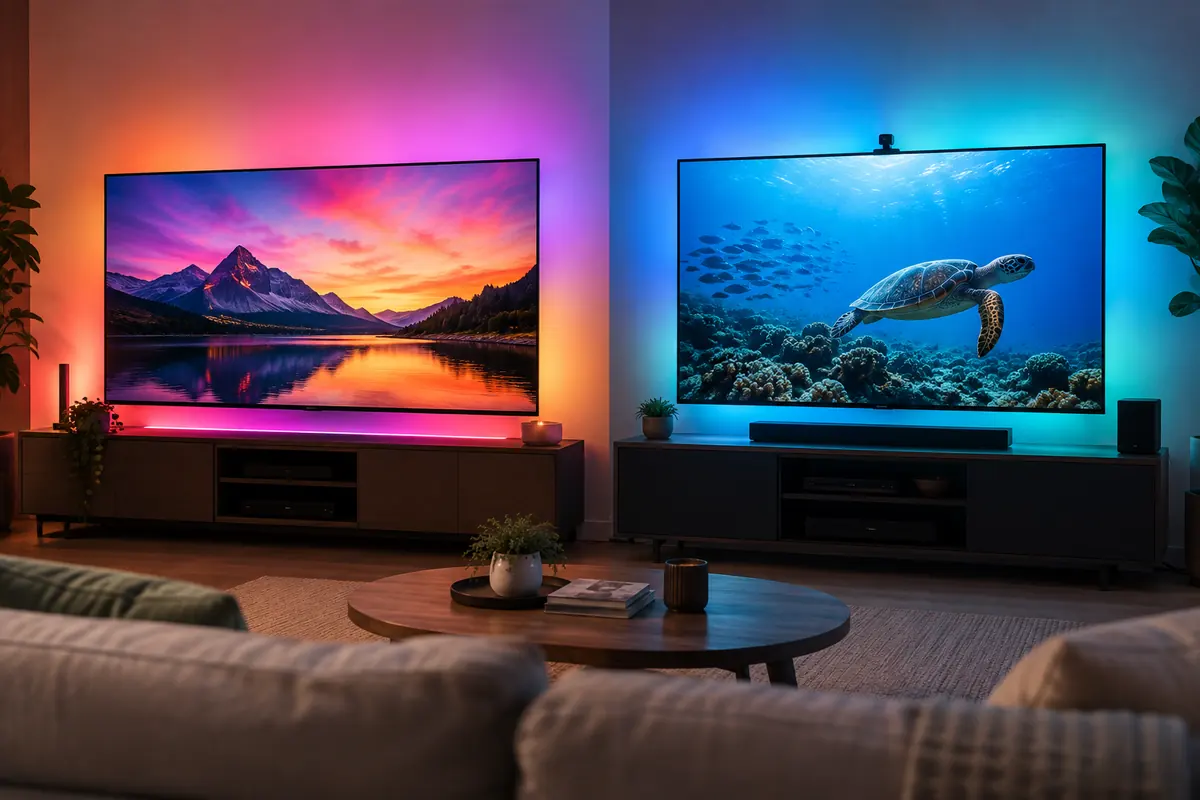
Both support schedules, scenes, voice commands, color selection, and music-reactive effects. Govee Home offers detailed DIY effects, device grouping, DreamView, and shared community creations. Nanoleaf provides scenes, palettes, Rhythm behavior, and desktop screen mirroring. Screen sync through software depends on a compatible computer and content path; it is not the same as an HDMI sync device that follows every TV source. Music modes also depend on microphone placement and room sound. Buyers should decide whether the strip is everyday accent lighting, a computer effect, or party lighting, because the best platform differs by use.
App Experience
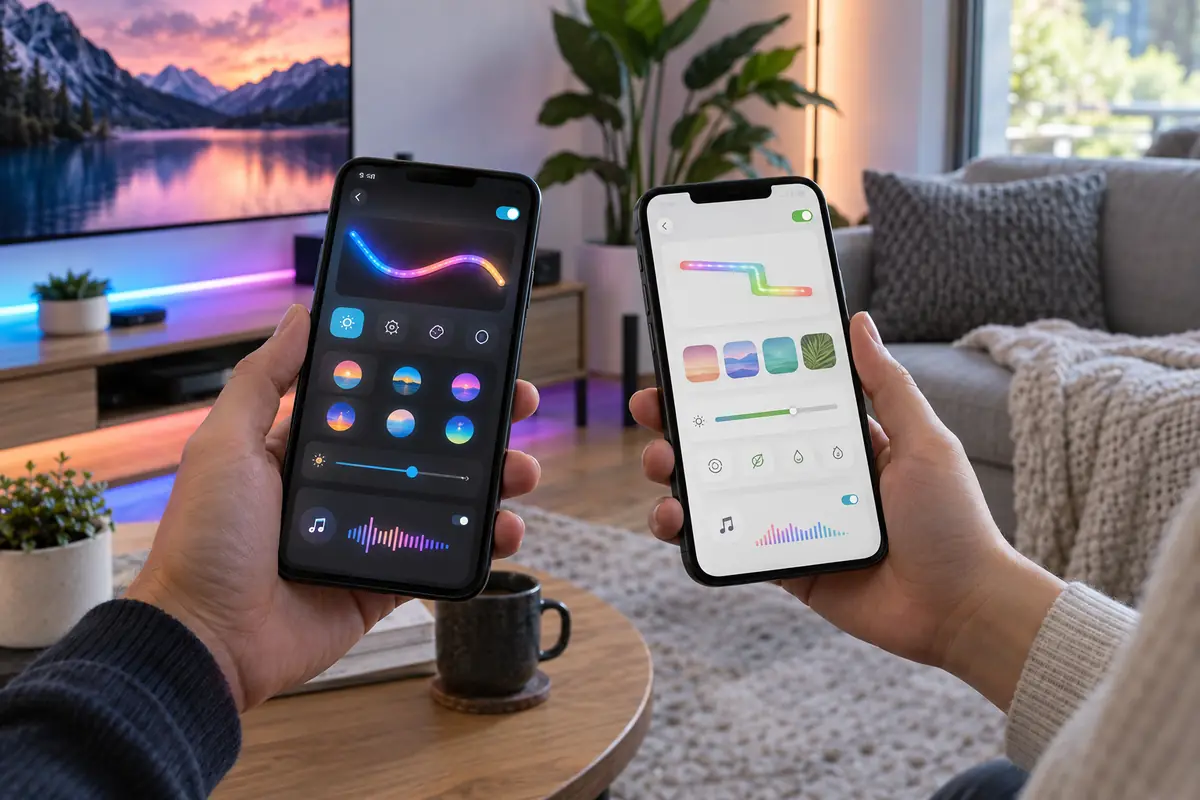
Govee Home is feature-dense and can feel busy, but it rewards users who build effects and coordinate several Govee products. Nanoleaf’s app handles layout, scenes, firmware, Matter setup support, and Rhythm controls, with desktop software for screen mirroring. Matter can move basic on/off, brightness, and color control into Apple Home, Google Home, Alexa, or SmartThings, while advanced animations generally remain in the vendor app. Save favorite effects locally where possible and test whether schedules continue during an internet outage. Shared-home members should not need the primary account password.
Compatibility / Ecosystem
The two strips both advertise Matter support on the specified models, but Matter controller requirements still apply and advanced scenes do not automatically transfer. Govee DreamView is valuable in a room already filled with compatible Govee lights. Nanoleaf fits existing Nanoleaf scenes and offers Matter-over-Wi-Fi without requiring a Thread border router for this product. Apple, Google, Alexa, and SmartThings can provide common controls, yet a color gradient may appear as one accessory or expose only simplified color. Verify the exact function in the platform the household uses daily.
Privacy / Security
Lighting is lower risk than a camera or lock, but the apps can still collect account, device, network, diagnostic, and usage data. Music and screen features may request microphone or desktop permissions. Grant only what the chosen mode requires, use unique passwords, and remove unused integrations. A local Matter command can reduce dependence on a vendor cloud for routine control, but initial setup, firmware, scenes, and remote access may still involve vendor services. Place microphone-enabled controllers away from private conversations if music sync is not needed, or revoke the permission after use.
Key Differences
Effects platform
Govee Home and DreamView provide a large effects ecosystem and coordination with many Govee devices. Nanoleaf emphasizes palettes, Rhythm, desktop mirroring, and very fine HD zoning. Choose the software activity you will actually use, not the longest scene list.
White-light hardware
Govee’s RGBWW array includes dedicated white components. Nanoleaf’s multicolor strip provides tunable whites within its design. For task or ambient white light, color quality and placement matter more than saturated-effect demos.
Zone density
Nanoleaf HD offers 300 zones across five meters, an unusually fine gradient. The Standard Nanoleaf is only 50 zones, so the exact model matters. Govee offers segmented effects with 60 LEDs per meter but uses a different control architecture.
Length planning
Govee offers several package lengths. Nanoleaf’s listed 5-meter strip can be trimmed but not extended. Measure the route, cable path, corners, and controller position before choosing; cutting rarely leaves a reusable remainder.
Who Govee Strip Light 2 Pro Is Best For
Govee Strip Light 2 Pro is best suited to buyers with these priorities:
- Rooms already using Govee DreamView-compatible lights.
- Users who enjoy building and sharing detailed effects.
- Installations that need a choice of strip lengths.
- Spaces where dedicated warm and cool white LEDs add value.
Who Nanoleaf Matter Smart Multicolor HD Lightstrip Is Best For
Nanoleaf Matter Smart Multicolor HD Lightstrip is the better match in these situations:
- Matter-centered homes wanting Wi-Fi rather than Thread for the strip.
- Buyers choosing the HD model for exceptionally fine gradients.
- Computer desks using Nanoleaf desktop screen mirroring.
- Existing Nanoleaf rooms with saved palettes and Rhythm scenes.
FAQ
Are the Standard and HD Nanoleaf strips the same?
No. The Standard version has far fewer addressable zones than the HD version. Confirm the product name and zone count before ordering; photographs of smooth gradients may represent the HD model.
Can I extend either strip after cutting it?
Follow the exact model instructions. Nanoleaf specifies that this strip can be trimmed at marked points but is not extendable. Govee package and connector rules vary. Do not assume cut pieces can be reattached.
Does Matter reproduce every animated scene?
Usually not. Matter provides common lighting controls, while complex gradients, music modes, screen sync, and community effects remain in Govee Home or Nanoleaf software. Keep the vendor app for setup and advanced use.
Which is better for white room lighting?
Govee’s RGBWW hardware has dedicated white LEDs, an advantage for intentional warm and cool output. Overall usefulness still depends on brightness, indirect placement, diffuser, surface color, and whether the strip is supplemental rather than primary light.
Can they sync with any television?
Software and ecosystem requirements apply. Nanoleaf desktop mirroring follows compatible computer content; Govee DreamView needs compatible Govee devices and a defined source. Neither strip alone reads every HDMI source from a television.
Will the adhesive stick to textured walls?
Reliability is best on a clean, dry, smooth surface. Texture, dust, heat, old paint, and tight corners weaken adhesion. Use manufacturer-approved clips where appropriate and avoid damaging finishes in a rental.
Final Summary
Govee Strip Light 2 Pro is the effects enthusiast’s choice, with RGBWW hardware, multiple length options, deep DIY scenes, and DreamView coordination. Nanoleaf Matter Smart Multicolor HD Lightstrip is the precision-gradient choice, using 300 zones across five meters and a direct Matter-over-Wi-Fi path alongside Nanoleaf’s screen and music tools. Choose Govee for ecosystem breadth and white-light hardware. Choose Nanoleaf HD for fine spatial effects and Matter-centered control. Measure before cutting, understand that advanced scenes stay vendor-specific, and plan a clean indirect installation rather than judging either strip from a bare-LED demonstration.