Introduction
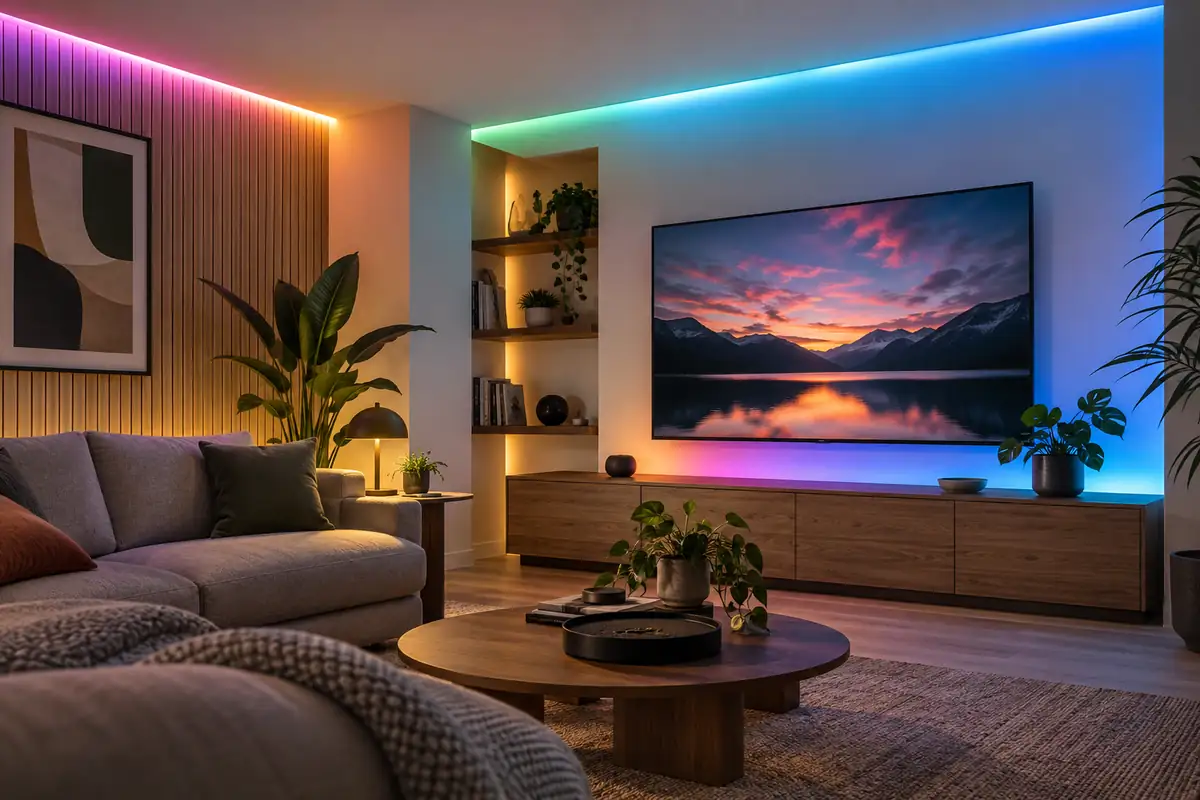
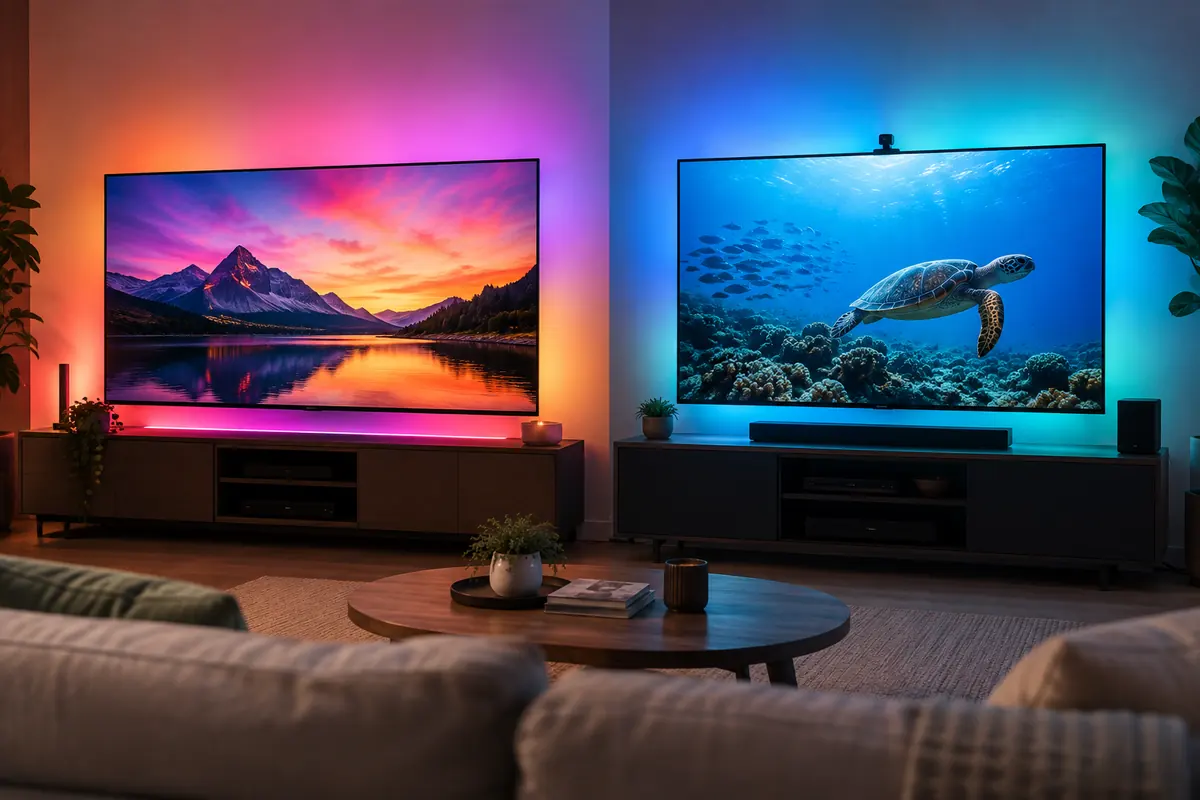
Philips Hue Play Gradient Lightstrip vs Govee TV Backlight 3 Pro is a useful comparison because both products pursue the same job with different hardware and ecosystem assumptions. Both put multicolor bias lighting behind a television, but they learn the screen in different ways. Hue uses its Bridge plus an HDMI Sync Box or compatible TV app path; Govee watches the display with a triple-camera system and works regardless of which on-screen source created the image.
This buying guide uses current US manufacturer specifications and support material; it does not claim personal testing. Published battery, detection, suction, brightness, and coverage figures depend on settings and conditions. Confirm the exact model, included accessories, firmware, and subscription terms before ordering.
Quick Answer
Choose Philips Hue Play Gradient Lightstrip if you already own a Hue Bridge, want polished Hue entertainment scenes, prefer a camera-free television, and can support a compatible HDMI Sync Box or TV sync app. Choose Govee TV Backlight 3 Pro if you want one package that follows built-in apps, HDMI devices, and broadcast content through an on-TV camera without buying a separate sync box. Hue offers the cleaner-looking and more integrated premium ecosystem. Govee is the broader source-compatible value, but the camera remains visible and calibration quality depends on placement and room reflections.
Comparison Table
| Feature | Philips Hue Play Gradient Lightstrip | Govee TV Backlight 3 Pro |
|---|---|---|
| Screen-reading method | HDMI Sync Box or compatible TV software | 1080p/30 triple-camera system |
| Included bridge/controller | Hue Bridge and sync method required separately unless owned | Camera and controller included in package |
| Source coverage | HDMI devices; TV-app support varies by television | Anything visible on the screen |
| Color hardware | Addressable gradient lightstrip | 16-bit RGBWWIC backlight |
| TV sizes | Separate versions for listed 55, 65, and 75-inch classes | Packages for 55–65 and 75–85-inch classes |
| Ecosystem | Hue scenes, entertainment areas, major platforms | Govee Home, DreamView, major platforms |
| Visible sensor | No camera | Top- or bottom-mounted camera |
| Best fit | Existing premium Hue setup | All-source sync without HDMI interception |
Design / Hardware
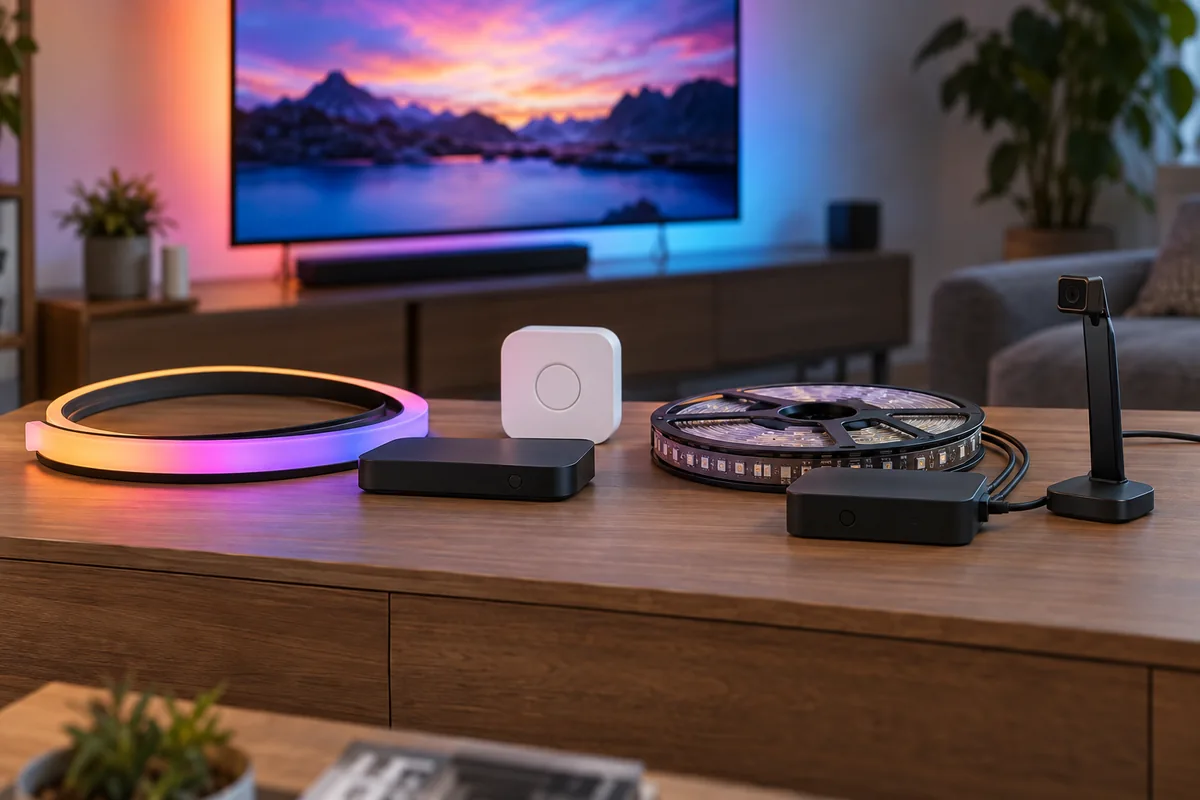
Hue Play Gradient Lightstrip follows the back edge of a specific television size and creates separate color regions around the sides and top. The strip, mounts, and power supply are relatively discreet after installation; no camera sits in front of the viewer. The separate Hue Bridge and sync hardware or app still need space and network connections. Govee TV Backlight 3 Pro includes a camera bar aimed at the screen, a control box, strip, and power supply. Its camera can mount above or below supported televisions but remains visible. Dry-fit either strip before removing adhesive, keep bends gentle, and clean the back panel. TV vents, textured plastic, wall mounts, and cable channels can interrupt the intended route.
Performance
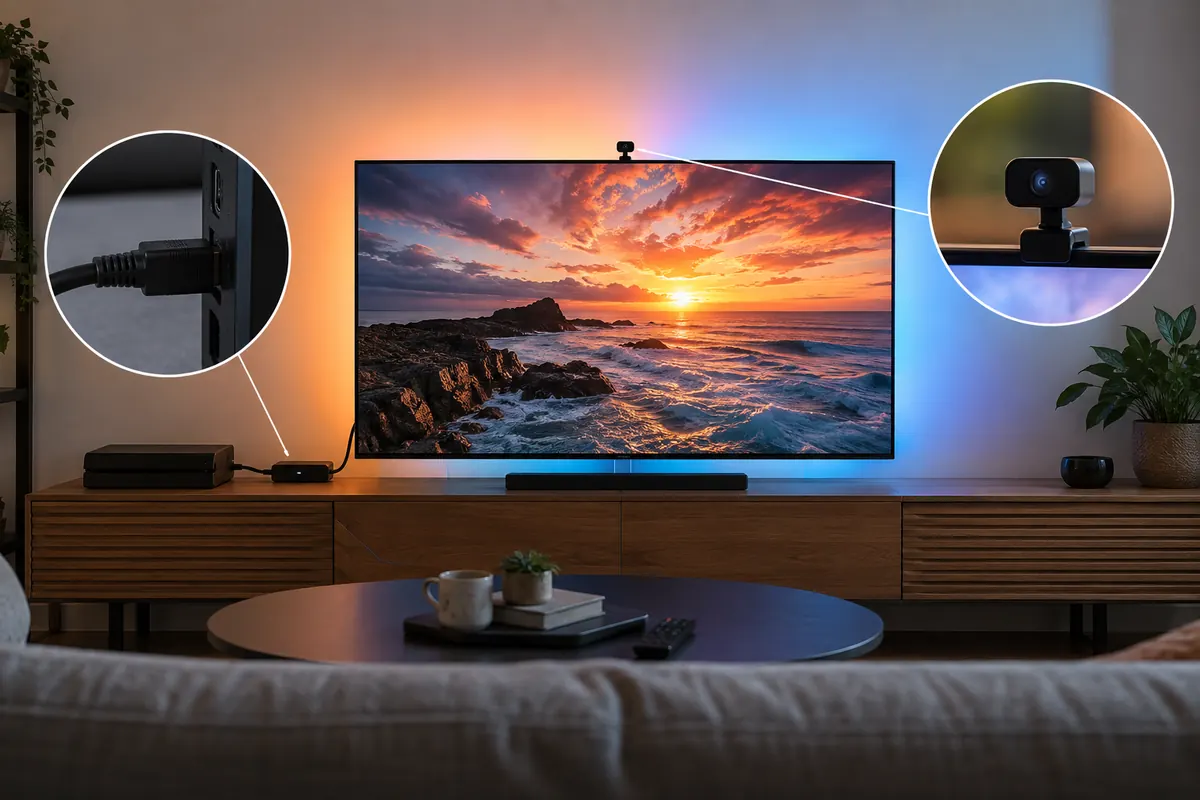
Hue’s HDMI Sync Box analyzes compatible input signals directly, avoiding room reflections and camera perspective. It can produce consistent zones, but sources connected directly to the TV or built-in apps are outside a conventional HDMI-box path unless a compatible TV sync app covers them. Govee’s camera sees whatever the panel displays, including built-in apps and over-the-air content. Its triple-camera, dual-exposure approach is designed to improve edge sampling and difficult highlights, while RGBWWIC hardware adds dedicated white capability. Accuracy still depends on calibration markers, screen reflections, camera angle, wall color, and ambient lighting. Neither system extends the television image; it creates ambient color intended to reduce perceived contrast and add immersion.
Smart Features
Hue entertainment areas can coordinate the gradient strip with other Hue color lights, scenes, voice platforms, and automations. Govee DreamView can extend the TV colors to multiple compatible Govee lights and offers AI-generated mood effects, music modes, and extensive scenes. More devices can make a room immersive but also distracting; begin with low brightness and moderate saturation. Game and movie modes should be judged at the content and latency sensitivity that matter to the household. Photosensitive users may prefer static bias light rather than rapidly changing effects.
App Experience
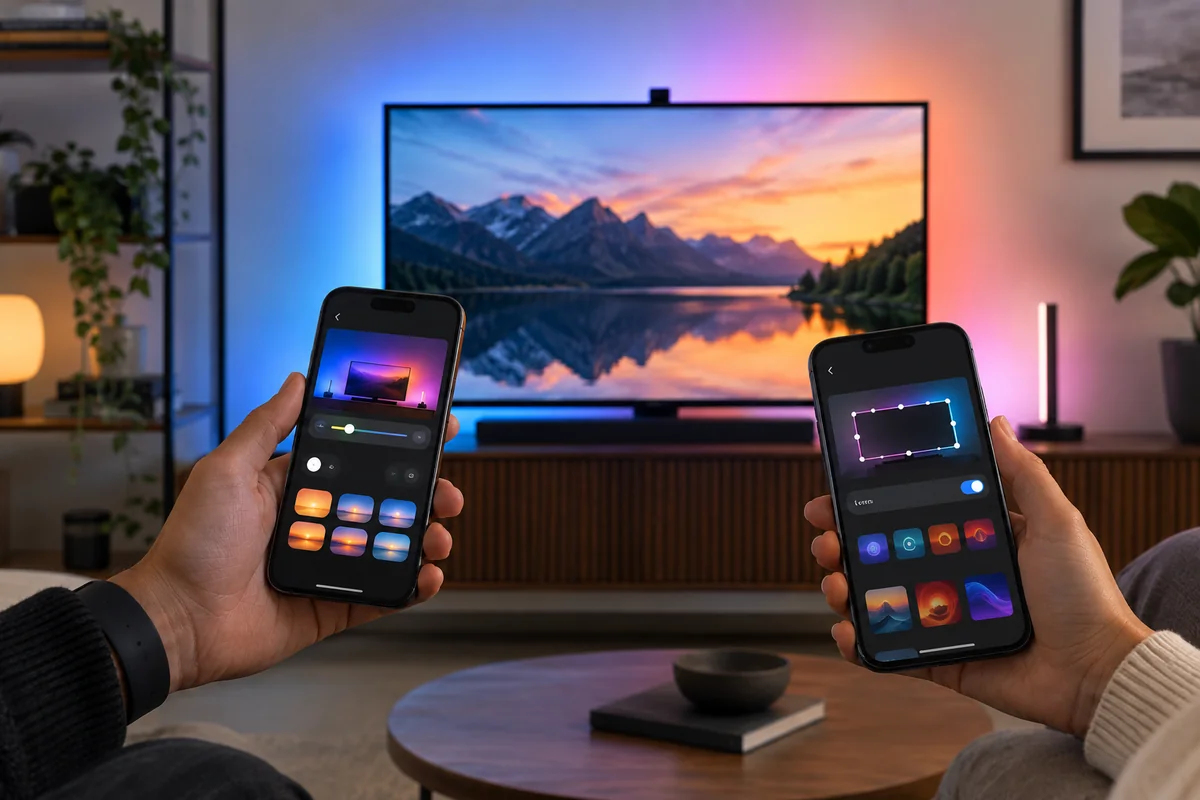
The Hue app creates rooms, entertainment areas, scenes, and automations, while the Hue Sync app or Sync Box controls content response according to the chosen path. Govee Home guides camera calibration, white balance, saturation, segmentation, DreamView groups, and effects. Govee asks for more visual calibration because the camera must map screen corners correctly. Hue asks for more infrastructure configuration because the Bridge and source route must be coordinated. In both cases, save a restrained everyday profile and a brighter demonstration mode rather than using maximum saturation for all content.
Compatibility / Ecosystem
Hue is built on a mature bridge-based lighting system and works broadly with Apple, Alexa, Google, and other partners, but live entertainment syncing has specific hardware or app requirements beyond ordinary Hue control. Govee works through Govee Home and major voice platforms, with DreamView linking compatible products. Matter support on related products does not automatically replace either proprietary TV-sync engine. Existing ownership matters: adding one strip to an established Hue or Govee room is more valuable than evaluating the strip in isolation.
Privacy / Security
Hue’s normal HDMI hardware analyzes the video signal locally and does not point a camera into the room, though accounts, apps, and network services still require standard security. Govee’s camera faces the screen and may include part of the surrounding room depending on angle. Position it narrowly, review permissions and diagnostic settings, and avoid placing private material in its field. Neither camera nor sync hardware should be treated as a recording security device. Use unique passwords, keep firmware current, and remove unused third-party integrations.
Key Differences
Signal analysis versus camera analysis
Hue can read an HDMI signal without a visible sensor, producing a clean installation but missing sources outside that path. Govee sees every on-screen source through its camera, at the cost of visible hardware and calibration sensitivity.
Upfront system cost
Hue Play Gradient generally requires a Bridge plus a compatible sync method, so first-time cost can be much higher than the strip. Govee bundles the camera and controller. Existing Hue owners may already have part of the infrastructure.
Accuracy variables
Hue avoids reflections and camera angle when using HDMI analysis. Govee depends on screen sampling, wall color, ambient light, and calibration. Its updated camera system is designed to improve those conditions but cannot remove them entirely.
Room expansion
Both can coordinate extra branded lights. Hue offers a mature entertainment-area system; Govee DreamView supports many compatible devices and effect styles. Cross-brand grouping does not reproduce either native sync system.
Who Philips Hue Play Gradient Lightstrip Is Best For
Philips Hue Play Gradient Lightstrip is best suited to buyers with these priorities:
- Existing Hue homes that already have a Bridge and color lights.
- Viewers who do not want a camera mounted on the television.
- HDMI-source setups suited to the Sync Box or supported TV app.
- Buyers who value restrained, polished whole-room Hue integration.
Who Govee TV Backlight 3 Pro Is Best For
Govee TV Backlight 3 Pro is the better match in these situations:
- Televisions using many built-in apps or non-HDMI visible sources.
- Buyers seeking a complete sync package at a lower system cost.
- Govee homes that will extend effects through DreamView.
- Users comfortable calibrating and seeing a TV-mounted camera.
FAQ
Does the Hue strip sync by itself?
No. Ordinary lighting control requires Hue infrastructure, and real-time screen sync needs a compatible HDMI Sync Box or supported TV/software path. Confirm every required component before comparing package prices.
Can Govee follow built-in streaming apps?
Yes, because the camera watches the visible screen rather than intercepting one HDMI input. That broad compatibility is its main advantage, provided the camera can be mounted and calibrated correctly.
Will an HDMI Sync Box handle every format?
Only formats, resolutions, frame rates, and copy-protection paths supported by the exact box and current firmware. Verify game-console and home-theater requirements, especially high-refresh or advanced video formats, before purchase.
Is the Govee camera recording the room?
It is used to sample screen color, not as a security camera. Its physical view can include screen surroundings, so aim it tightly and review app permissions, diagnostics, and privacy settings.
Can I cut these TV strips?
Do not treat them like generic decorative tape. They are sized and zoned for supported television classes. Follow the exact installation instructions; cutting can damage the product or disrupt mapped color zones.
Does brighter always look better?
No. Excess brightness or saturation can distract from the image and cause eye fatigue. Bias lighting is often most comfortable at restrained output against a neutral wall. Save separate profiles for movies, games, and ordinary viewing.
Final Summary
Philips Hue Play Gradient Lightstrip is the premium camera-free choice for buyers willing to build around a Hue Bridge and supported HDMI or television software. Govee TV Backlight 3 Pro is the more source-agnostic package because its triple camera follows anything the screen displays, and it includes the required sensing hardware. Choose Hue for a cleaner installation, mature ecosystem, and signal-based consistency. Choose Govee for built-in app coverage, lower entry cost, and DreamView flexibility. Check television size, source formats, wall color, camera tolerance, and total system cost before attaching either strip.