Introduction
Google Nest Audio vs JBL Authentics 200 is a useful comparison because both products pursue the same job with different hardware and ecosystem assumptions. Nest Audio is a compact Google-first speaker designed for voice control, Chromecast, and affordable room-by-room deployment. JBL Authentics 200 is a larger, more powerful mains speaker with Alexa and Google Assistant together, AirPlay, Chromecast, Spotify Connect, Bluetooth, Ethernet, and an analog input.
This buying guide uses current US manufacturer specifications and support material; it does not claim personal testing. Published battery, detection, suction, brightness, and coverage figures depend on settings and conditions. Confirm the exact model, included accessories, firmware, and subscription terms before ordering.
Quick Answer
Choose Google Nest Audio if Google Assistant, simple Chromecast playback, compact size, stereo pairing, and a lower-cost multiroom rollout are the goals. Choose JBL Authentics 200 if stronger bass and scale, Alexa plus Google Assistant, AirPlay, Bluetooth, Spotify Connect, Ethernet, and an auxiliary input justify a larger and more expensive speaker. Nest Audio is the better smart-home voice endpoint for a Google-centered household. JBL is the better one-box music hub for mixed phones and services. Neither includes a battery, and Nest Audio has no analog input.
Comparison Table
| Feature | Google Nest Audio | JBL Authentics 200 |
|---|---|---|
| Speaker hardware | 75 mm woofer and 19 mm tweeter | Larger woofer-and-tweeter system |
| Voice | Google Assistant | Alexa and Google Assistant |
| Casting | Chromecast built in | Chromecast, AirPlay, Spotify Connect |
| Bluetooth | Bluetooth 5 for supported playback/setup | Bluetooth audio |
| Wired input | None | 3.5 mm analog and Ethernet |
| Room tuning | Media EQ and Ambient IQ behavior | Automatic self-tuning |
| Stereo pair | Two Nest Audio speakers | Two compatible Authentics 200 speakers by supported setup |
| Power | AC only | AC only |
Design / Hardware
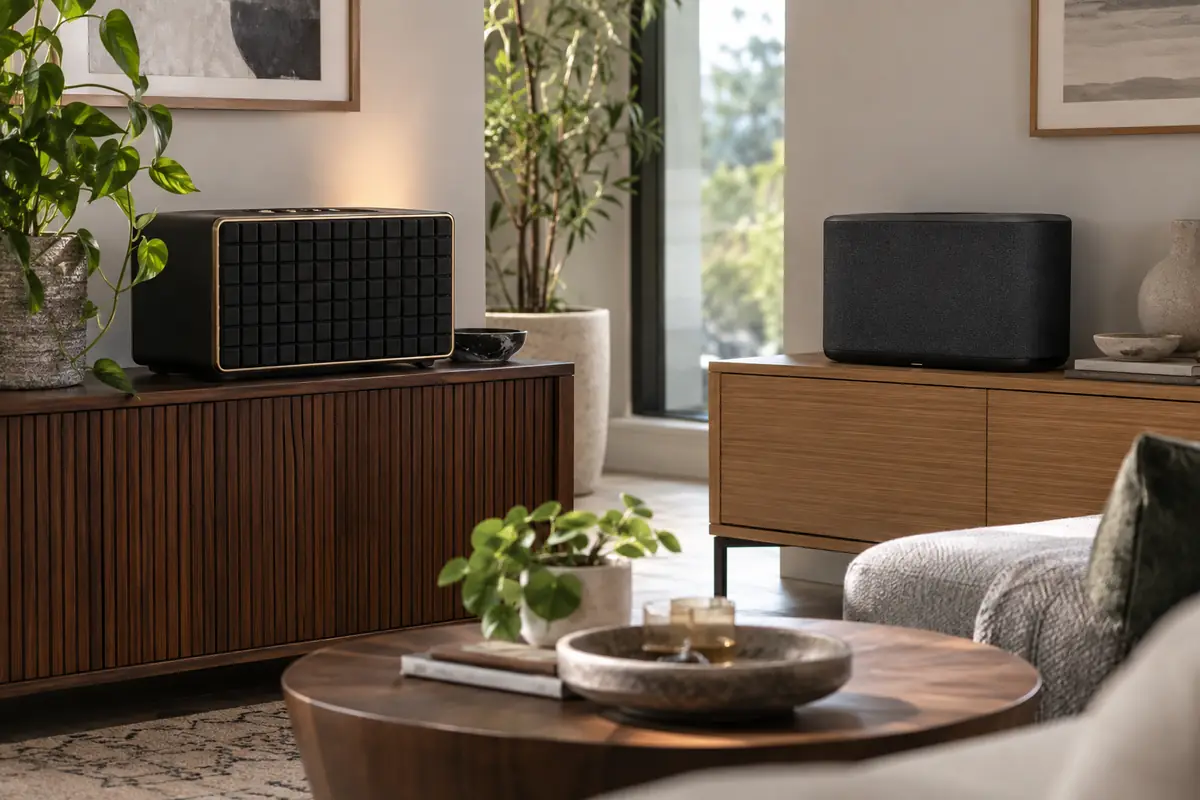
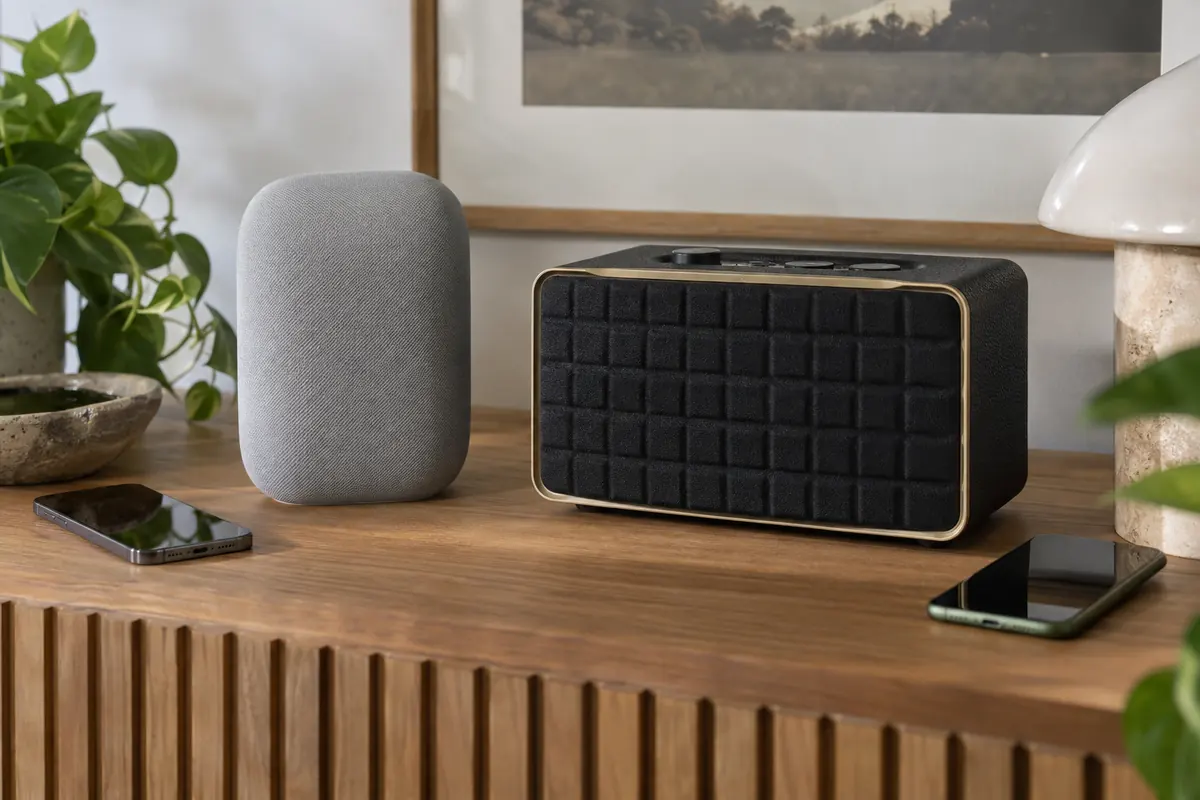
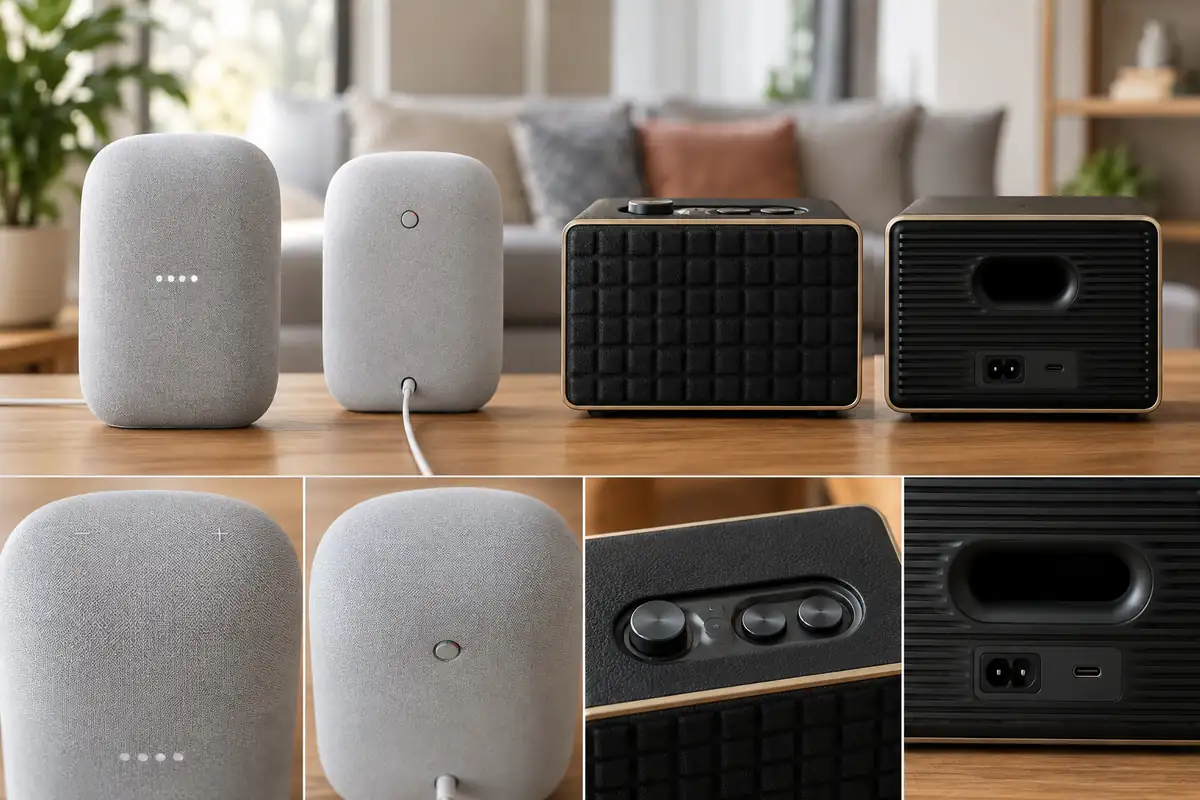
Nest Audio is narrow, fabric-covered, and visually quiet, with capacitive top controls and a rear microphone switch. Its small footprint suits a nightstand, kitchen shelf, or several rooms, though it still sounds best with space from walls. JBL Authentics 200 uses a larger rectangular cabinet, patterned grille, physical knobs, and retro-inspired details. It needs more shelf depth and presents itself as furniture. To compare more JBL options, see our JBL Authentics 500 vs Denon Home 350 guide. The extra volume supports a larger woofer and fuller output, while top controls make volume and tone adjustments obvious. Both require an outlet and should be kept away from sinks or exposed patios. Measure the shelf and allow cable room before choosing JBL solely from photos.
Performance
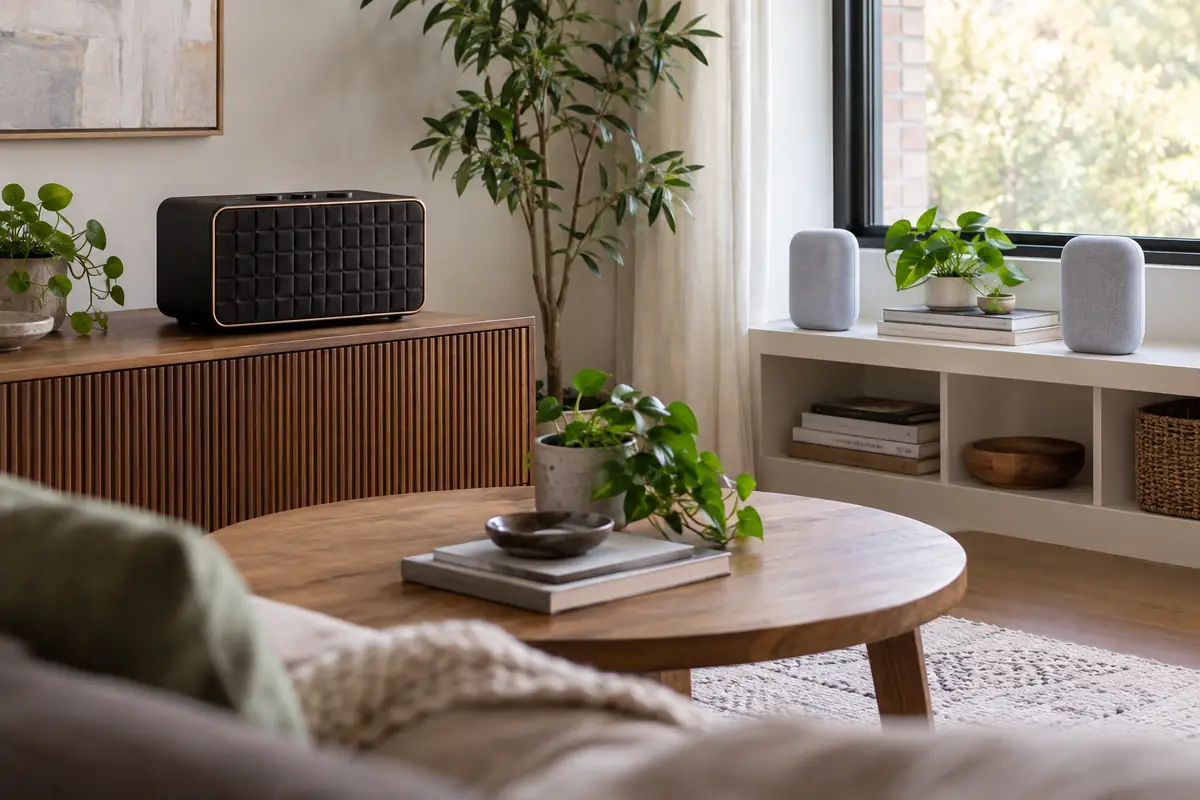
Nest Audio’s woofer and tweeter deliver balanced everyday sound at moderate levels, with software adapting speech and music behavior. Two matching units can form a wider stereo pair. JBL Authentics 200 has greater cabinet volume and driver capacity, so it is the stronger choice for bass weight and room-filling music from one box. Automatic self-tuning adjusts JBL after placement, but a corner can still overemphasize low frequencies. No published wattage or driver size describes personal preference. Spoken podcasts, near-field bedroom listening, and energetic living-room music reward different tuning. Nest’s lower cost can make two-speaker stereo more accessible, while one JBL may be simpler where outlets or space are limited.
Smart Features
Nest Audio is built around Google Assistant for questions, timers, personal results, broadcasts, routines, and compatible smart-home control. JBL Authentics 200 can keep Alexa and Google Assistant available, useful when household members or devices span both ecosystems. Voice compatibility still varies by device type, account, language, and music service. JBL’s broad playback options provide alternatives when a requested service does not start directly. Nest Audio relies heavily on Google casting and supported integrations. Neither assistant should be the only control for a safety-critical lock, appliance, or alarm.
App Experience
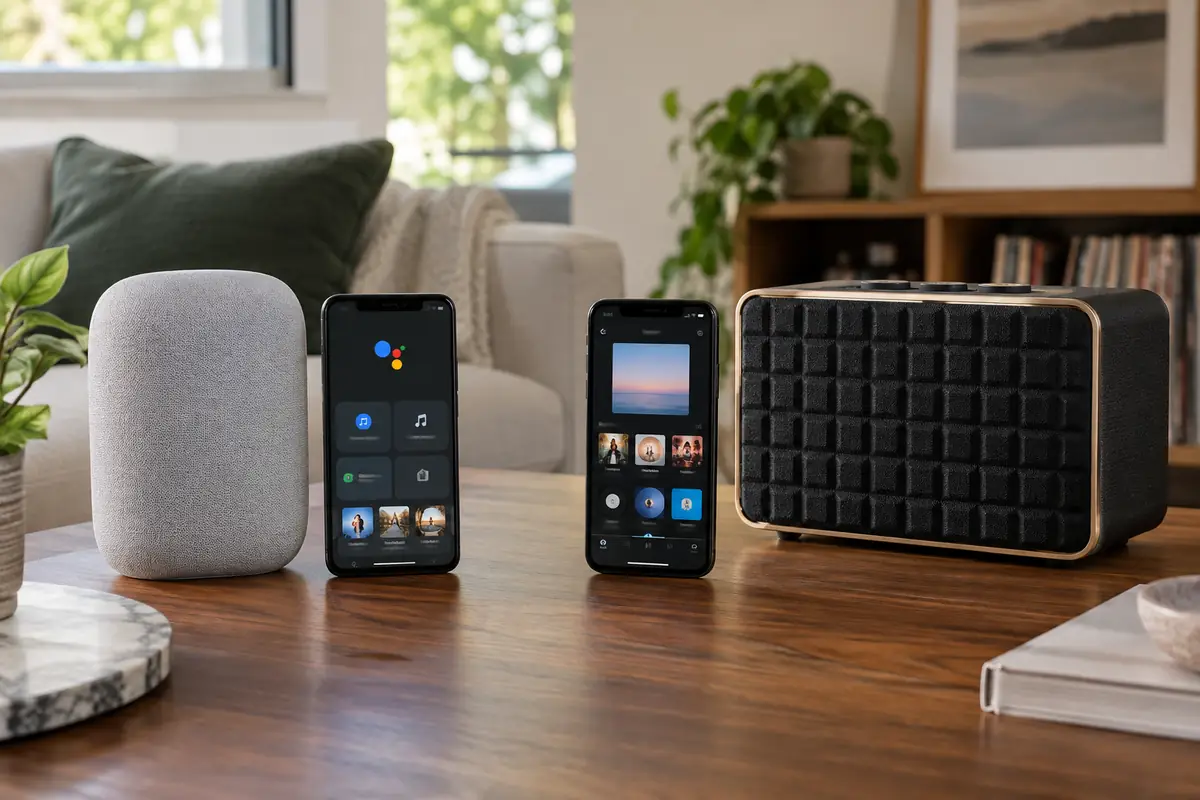
Google Home handles Nest Audio setup, rooms, groups, default services, assistant settings, personal results, and smart-home routines. It is streamlined for Google devices but offers limited audio-source flexibility. JBL One manages the Authentics speaker, linked services, EQ, updates, favorites, and network settings; AirPlay, Chromecast, Spotify Connect, Bluetooth, and aux can also start playback from their own sources. That flexibility is powerful but creates several control paths. Decide which app or protocol is primary so household members understand volume, grouping, and queues.
Compatibility / Ecosystem
Nest Audio is the natural extension of Google Home and Chromecast households, and its affordability supports several voice points. It does not support AirPlay as a native target and has no line input. JBL works across Google and Amazon voice environments and adds Apple AirPlay, Bluetooth, Spotify Connect, Ethernet, and analog input. For a different Google matchup, take a look at Google Home Speaker vs Sonos Era 100. Broad compatibility does not mean every grouping technology mixes freely: a Google speaker group, AirPlay group, and Alexa group follow different rules. Check preferred services and existing devices before paying for options no one will use.
Privacy / Security
Nest Audio has a physical rear switch that turns off its microphones and visible indicators that show listening status. JBL also provides microphone controls for its assistants. Because JBL can connect two assistant ecosystems, review both voice histories, personal results, purchases, contacts, and household profiles; disable the unused assistant. Google Home and JBL accounts should use unique passwords and current recovery information. A microphone-off switch provides clear local control, but it also disables voice routines. Bluetooth or analog playback can reduce voice dependence without removing the speaker from its network account.
Key Differences
Audio scale
JBL’s larger cabinet and woofer system are intended for more bass and output. Nest Audio is easier to place and can become a stereo pair at a lower combined cost. Room size and listening distance should determine which advantage matters.
Assistant choice
Nest Audio is exclusively Google-centric. JBL supports Alexa and Google Assistant together. A household that never uses Alexa gains little from JBL’s dual-assistant design, while a mixed ecosystem may find it decisive.
Connection options
JBL adds AirPlay, Bluetooth, Spotify Connect, Ethernet, and analog input around Chromecast. Nest Audio has no analog input and centers on Google casting. Local sources and iPhone-heavy homes favor JBL.
Multiroom economics
Nest Audio’s compact form and price make several rooms practical. JBL Authentics 200 costs more and occupies more space but may replace the need for a stereo pair in one room. Our Google Home Speaker vs Apple HomePod comparison offers another perspective on Google products. Native groups remain platform-specific.
Who Google Nest Audio Is Best For
Google Nest Audio is best suited to buyers with these priorities:
- Google Home households seeking affordable voice endpoints.
- Smaller rooms and shelves where compact dimensions matter.
- Buyers who want a matching stereo pair without large cabinets.
- Listeners satisfied with Chromecast and supported Google services.
Who JBL Authentics 200 Is Best For
JBL Authentics 200 is the better match in these situations:
- Mixed Alexa, Google, Android, and Apple households.
- Listeners wanting stronger bass and output from one speaker.
- Sources that need Bluetooth, AirPlay, aux, or Ethernet.
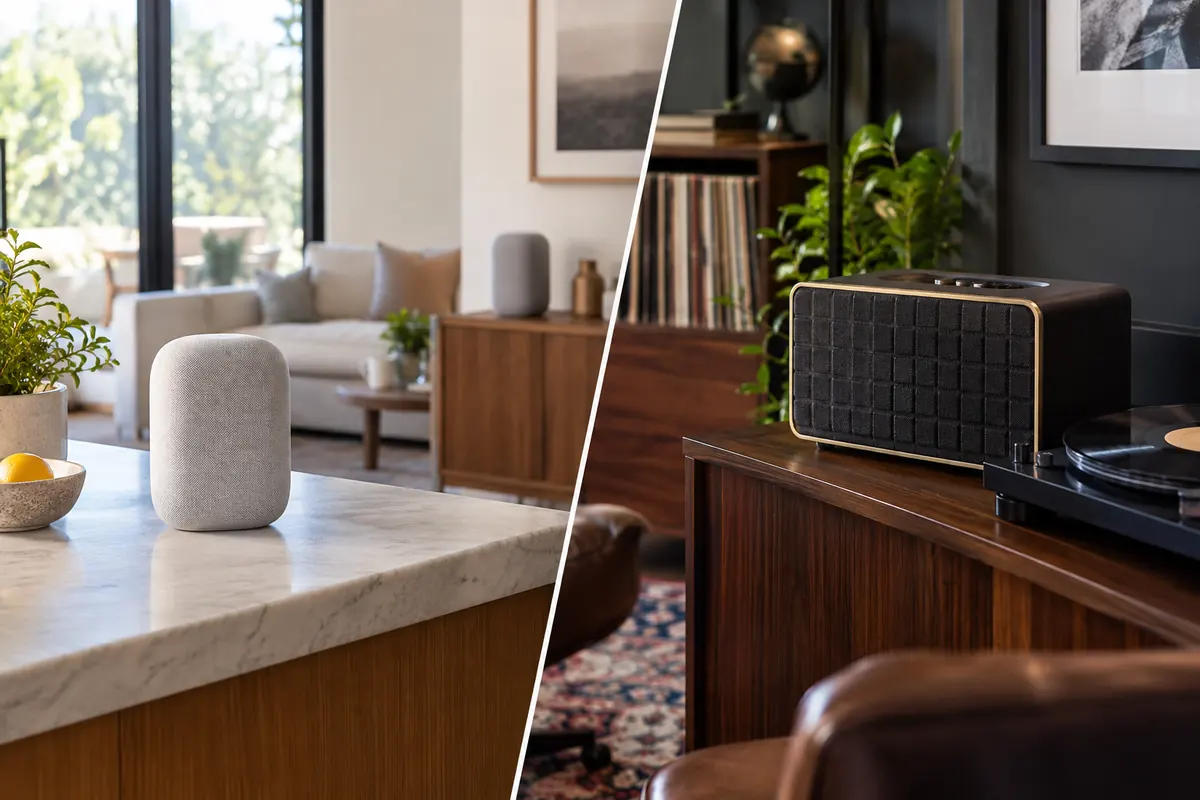
- Rooms where JBL’s prominent retro design is welcome.
FAQ
Does Nest Audio support Alexa?
No. Nest Audio uses Google Assistant. If the household requires Alexa and Google Assistant on one speaker, JBL Authentics 200 is the relevant option.
Can I play an iPhone on both speakers?
JBL supports AirPlay and Bluetooth as well as compatible apps. Nest Audio can play from supported services and Chromecast-enabled apps, but it is not a native AirPlay speaker. Check the exact app workflow you use.
Do either speakers have batteries?
No. Both require AC power. JBL Authentics 200 is sometimes confused with portable models because it supports Bluetooth, but Bluetooth is a connection method, not evidence of a built-in battery.
Can Nest Audio use a turntable?
It has no analog input. A network intermediary may exist for specialized setups, but there is no simple cable connection. JBL’s aux input is more suitable, though a turntable may still need a phono preamp.
Is one JBL louder than two Nest Audio speakers?
Loudness alone is not a useful comparison. One JBL has greater cabinet scale, while two Nest units create physical stereo separation. Room acoustics, volume, source, and bass expectations determine the preferred result.
Can they control Matter devices?
Their surrounding Google or Alexa ecosystems may control compatible Matter devices when the required controller and network roles are present. Verify the exact platform architecture; buying a speaker does not guarantee every Matter role or device type.
Final Summary
Google Nest Audio remains the focused choice for affordable Google Assistant coverage, Chromecast listening, compact placement, and matching stereo pairs. JBL Authentics 200 costs and occupies more, but it is a far broader source hub with stronger sound, two assistants, AirPlay, Chromecast, Bluetooth, Spotify Connect, Ethernet, and analog input. Choose Nest when simplicity and multiple Google rooms matter. Choose JBL when one speaker must serve mixed platforms and more demanding music playback. Confirm service support, physical space, microphone preferences, and the primary grouping technology before committing.