Introduction
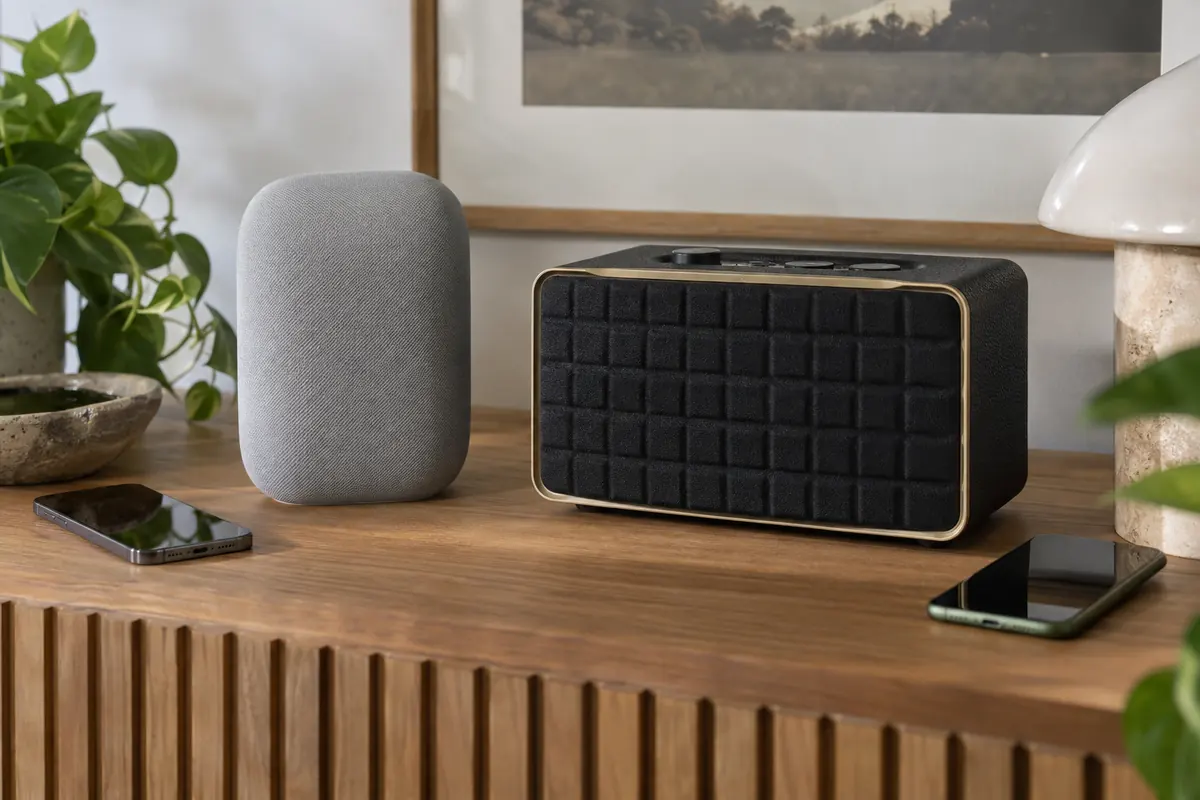
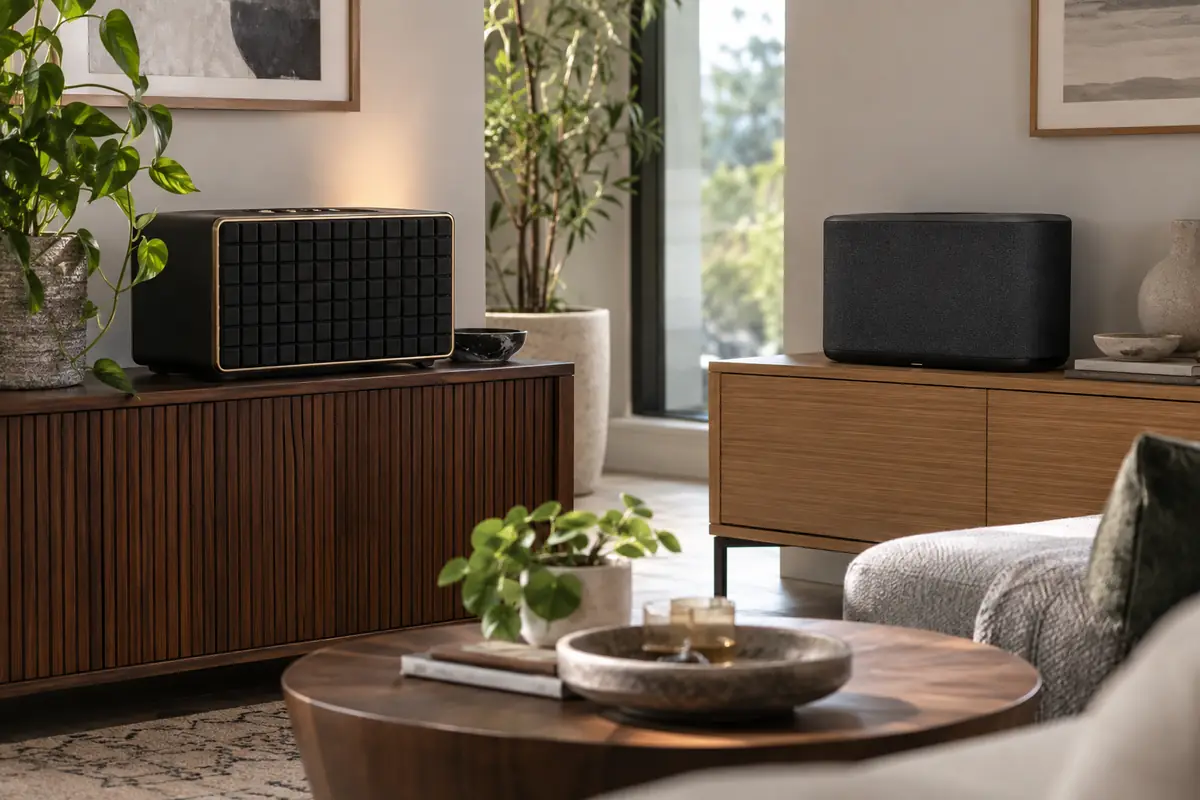
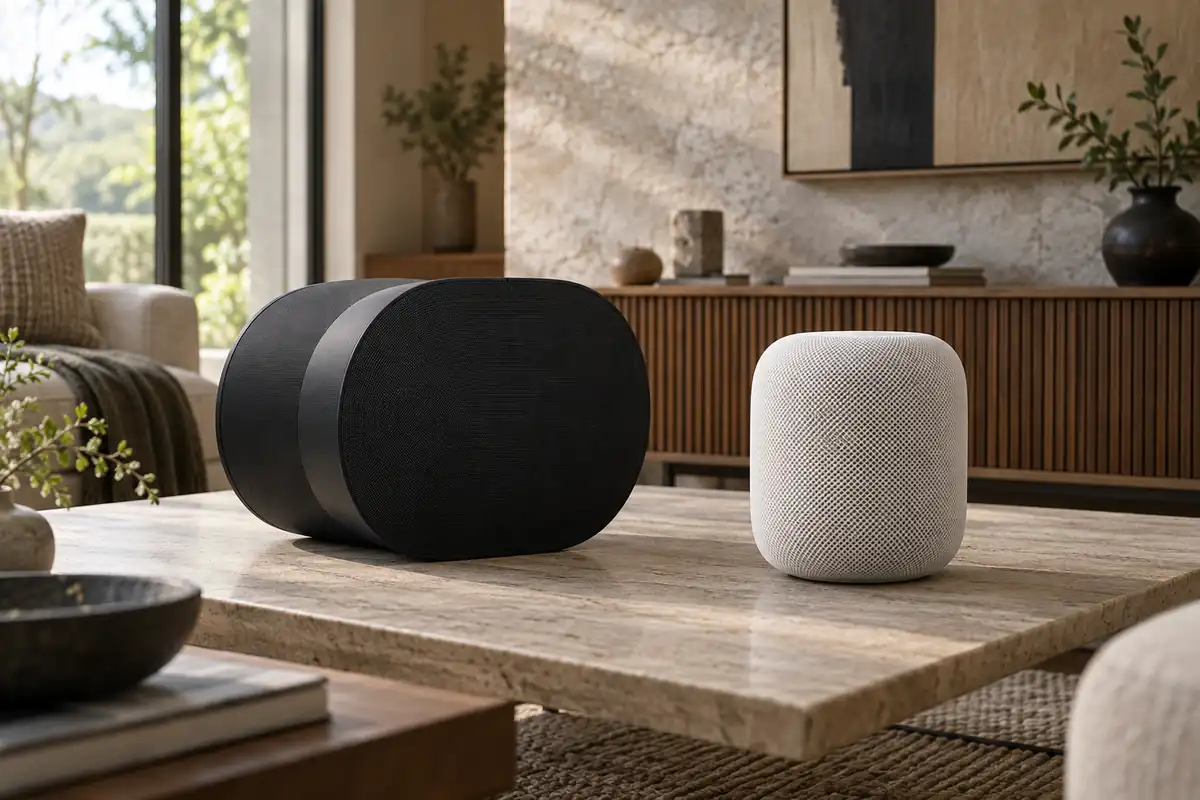
Sonos Era 300 vs Apple HomePod compares two current products aimed at the same broad buyer, but their hardware, storage or ecosystem assumptions are not interchangeable. Era 300 uses six amplified drivers aimed forward, sideways, and upward, plus Wi-Fi, Bluetooth, AirPlay 2, and optional line-in. HomePod is smaller and more Apple-specific, with computational audio, Siri, Thread, sensors, and Apple TV integration.
This guide uses current manufacturer specifications and support material rather than claiming personal testing. Published detection ranges, battery estimates, brightness, audio performance, and other laboratory results depend on settings and surroundings. Confirm the exact US model, included accessories, current firmware, and subscription terms before buying, because similarly named regional packages can differ.
Quick Answer
Choose Sonos Era 300 if Dolby Atmos music, Bluetooth, optional line-in, broad Sonos multiroom support, and expansion into a Sonos soundbar system matter most. Choose Apple HomePod if Siri, Apple Music, Apple Home, Thread, Apple TV 4K, and a smaller footprint are more valuable. For another comparison featuring Apple HomePod, see Amazon Echo Studio vs Apple HomePod. Era 300 is the more flexible audio component; HomePod is the more complete Apple smart-home speaker. Remember that one Era 300 cannot act as a Sonos soundbar by itself.
Comparison Table
| Feature | Sonos Era 300 | Apple HomePod |
|---|---|---|
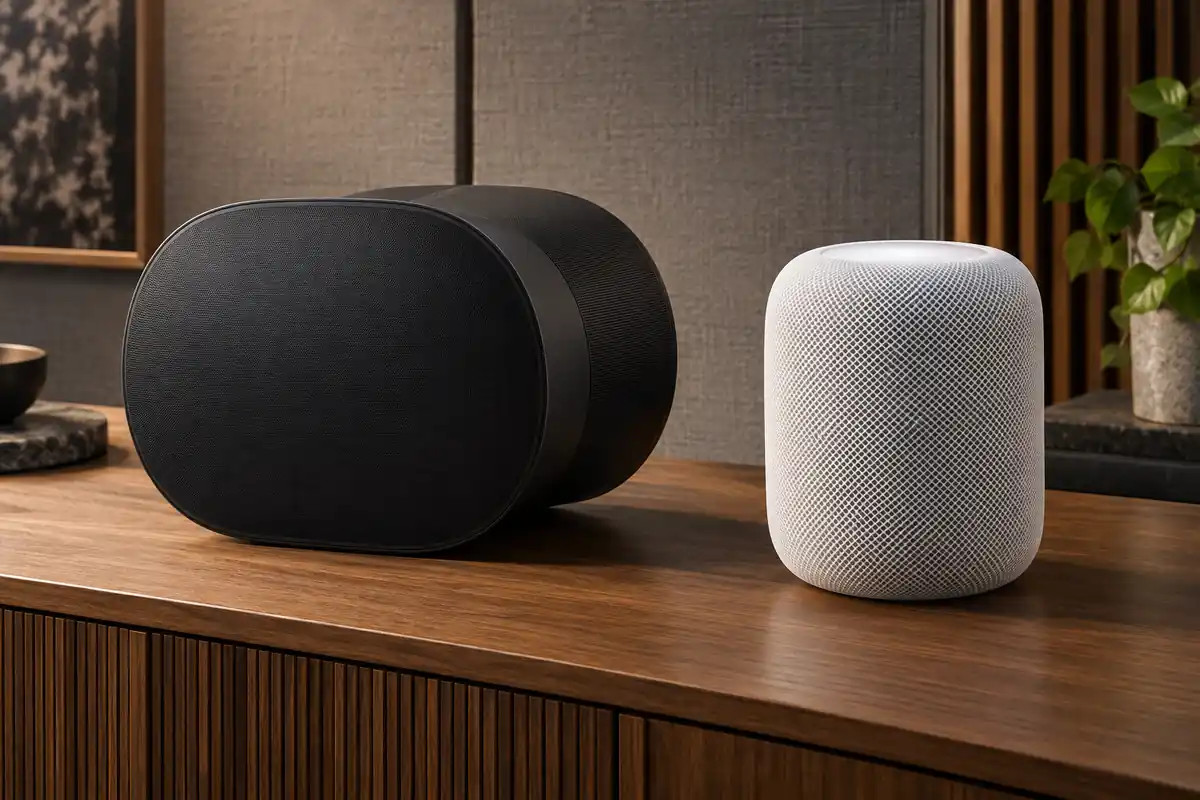
| Acoustic layout | Six class-D amplifiers with directional drivers | 4-inch woofer and five tweeters |
| Dolby Atmos music | Yes, through supported Sonos services | Yes, centered on Apple Music and Apple playback |
| Room tuning | Trueplay on iOS and Android | Automatic room sensing |
| Bluetooth audio | Bluetooth 5.3 streaming | No conventional Bluetooth audio input |
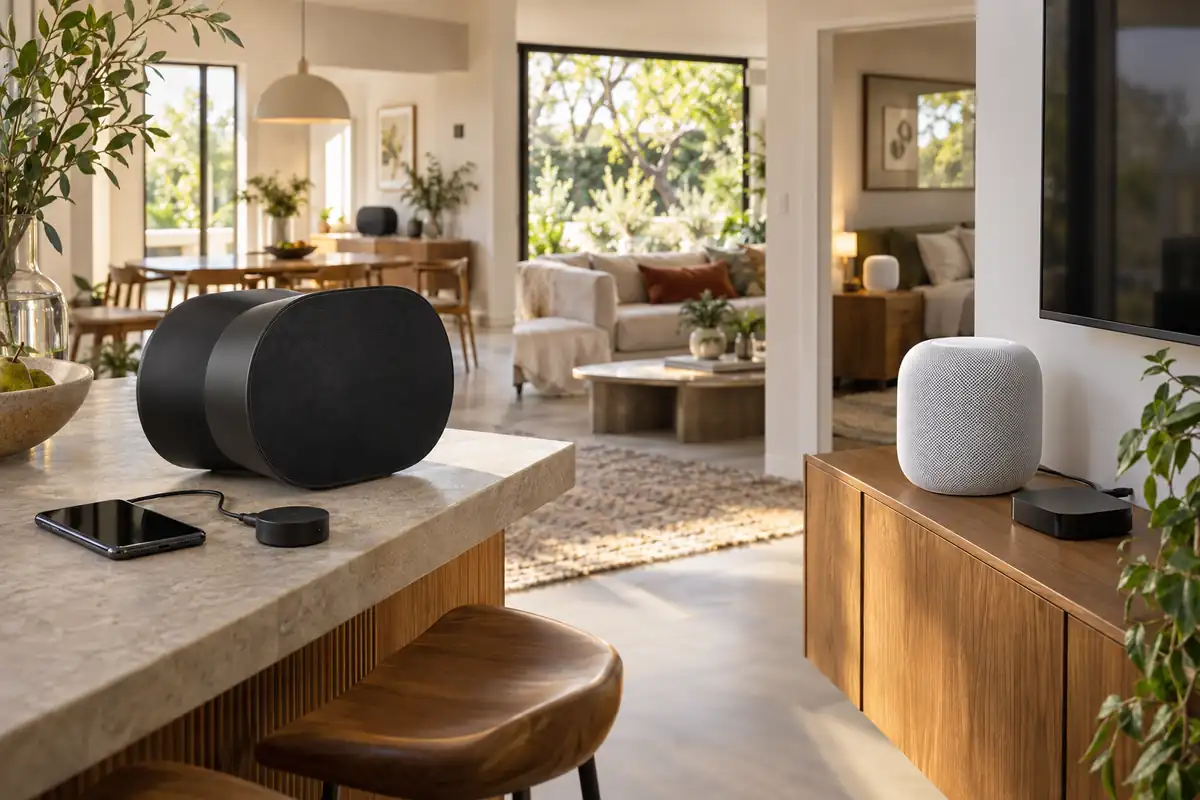
| Line-in | USB-C adapter required | None |
| Voice | Sonos Voice Control and Amazon Alexa | Siri |
| AirPlay | AirPlay 2 | Native AirPlay ecosystem |
| TV system | Pair as surrounds with compatible Sonos soundbars | Pair with Apple TV 4K; stereo pair supported |
Key Differences
Audio connectivity
Era 300 accepts Bluetooth streaming and can take analog line-in through a separately sold Sonos adapter, in addition to Wi-Fi and AirPlay 2. HomePod depends on supported services and AirPlay, with no analog input and no ordinary Bluetooth audio mode. Turntable, Android, or guest-Bluetooth use therefore favors Sonos. An Apple-only household may prefer HomePod's narrower but more seamless handoff and account behavior.
Spatial design
Era 300's wide, sculpted enclosure directs sound forward, to both sides, and upward to create a Dolby Atmos field from one speaker. HomePod uses beamforming tweeters, a high-excursion woofer, and computational room sensing in a much smaller cylinder. Driver architecture does not guarantee preference: reflected spatial effects depend on walls and ceiling, while vocal focus and bass balance depend on placement and the recording.
Home theater roles
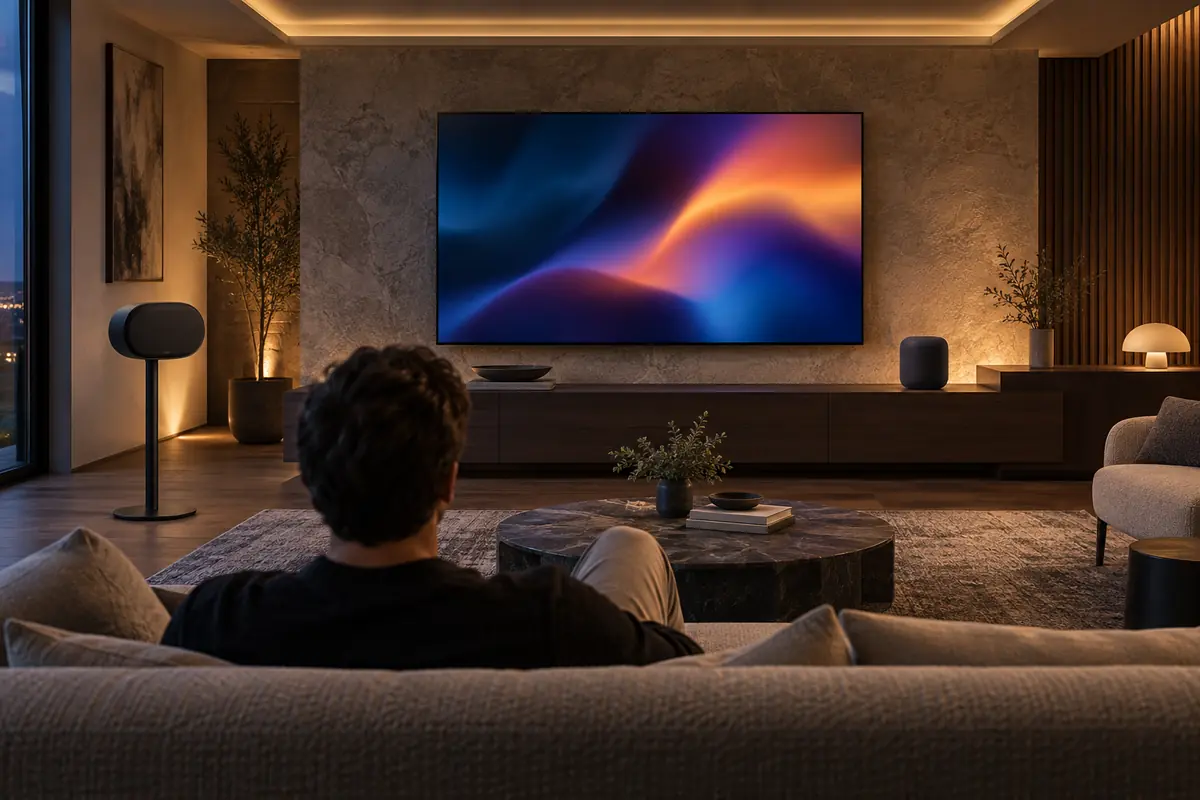
Two Era 300 speakers can serve as Dolby Atmos surrounds with compatible Sonos soundbars; a single Era 300 is not an HDMI television speaker. HomePod can pair with Apple TV 4K, and two matching HomePods form a stereo home-theater pair. Sonos is the route into a larger modular soundbar system. HomePod is simpler when Apple TV is already the source.
Assistant and smart-home depth
Era 300 supports Sonos Voice Control for music and Amazon Alexa where available, but it is not a Thread border router or full Apple Home hub. HomePod uses Siri, controls Apple Home accessories, supplies Thread connectivity, and includes temperature and humidity sensors. Sonos prioritizes audio services; HomePod carries more native home-automation responsibility. Alexa or Siri preference may outweigh subtle sound differences.
Major Features Compared
Everyday performance and its limits
Era 300 is 10.24 inches wide and weighs 9.85 pounds, requiring more shelf space than HomePod's 5.6-inch-wide, 5.16-pound body. Both tune themselves for the room, though Sonos Trueplay is user initiated and HomePod sensing is automatic. Leave breathing room around directional drivers and avoid shelving that blocks side or upward reflections. Manufacturer numbers are useful for identifying design intent, but they are not a substitute for placement, setup, and maintenance. Compare the complete workflow rather than awarding the decision to one larger number.
Apps, ecosystems, and privacy
Sonos can group with a broad catalog of Sonos rooms, use its app's music-service aggregation, and accept AirPlay 2. HomePod groups through AirPlay and Apple Home and links personal results to Apple users. Sonos supports Alexa but not every Alexa feature or Google Assistant on this model. Confirm the household's specific services, regions, and account permissions. The Google Home Speaker vs Apple HomePod guide gives Apple HomePod a different point of comparison. Platform support can change by region or firmware. Protect the account with a unique password and multifactor authentication where offered, review household permissions, and enable only the cloud or sensing functions you plan to use.
Installation and long-term ownership
Era 300 line-in and wired Ethernet each require the correct USB-C accessory, and placement stands or mounts add cost. HomePod needs an Apple setup device and works best when household Apple IDs are correctly configured. For either, test at normal listening volume, allow room tuning to finish, and verify that guests can play audio without gaining unwanted personal access. Before the return window closes, test the difficult real-world conditions, document settings that work, and price required accessories or consumables. A product that is easy to service is usually a better long-term choice than one with an impressive feature you rarely use.
How to Choose for Your Home
Rank audio quality, assistant behavior, and smart-home control before picking a platform. Confirm that your preferred music service can start directly, whether Bluetooth or AirPlay is available, and which paid plans unlock requested tracks. Check voice profiles, personal results, household accounts, microphone controls, and the exact requirements for stereo or TV pairing. Software features change, so buy for capabilities available on the exact model today. Placement also matters: a little breathing room and a stable surface can improve sound.
Who Sonos Era 300 Is Best For
Sonos Era 300 is the more natural choice when its defining hardware and platform match the way the product will be used every day.
- Listeners prioritizing Atmos music and a broad sound field.
- Homes needing Bluetooth or optional analog line-in.
- Existing Sonos multiroom or soundbar owners.
- Users who prefer Alexa or Sonos Voice Control for music.
Who Apple HomePod Is Best For
Apple HomePod makes more sense when its different balance of capability, storage, controls, and maintenance solves the more important problem.
- Apple Music, Siri, iPhone, and Apple TV 4K households.
- Apple Home users needing a hub and Thread border router.
- Rooms needing a smaller premium speaker footprint.
- Users who prefer automatic tuning and Apple account integration.

Frequently Asked Questions
Can I connect Era 300 directly to a TV?
Not as a normal HDMI speaker. Era 300 can become a surround when paired with supported Sonos soundbars. Our Apple HomePod Mini vs Amazon Echo Dot comparison offers another perspective on Apple products. For direct TV audio, plan the complete Sonos home-theater system rather than buying one Era 300 alone.
Can HomePod play Spotify?
Audio can be sent from compatible Apple devices using AirPlay, while direct Siri behavior and default-service support may differ from Apple Music. Verify current service integration if voice-started Spotify playback is essential.
Does Era 300 work with Apple AirPlay?
Yes, Era 300 supports AirPlay 2. That makes it accessible from Apple devices, but it does not turn Sonos into an Apple home hub or add Siri personal requests and HomePod sensors.
Which is better as one speaker?
Era 300 creates a wider spatial presentation and offers more inputs, while HomePod is compact and deeply integrated with Apple. Room size, placement, source library, and desired assistant should decide; stereo pairs are a separate budget.
Can I stereo-pair different models?
Stereo pairs generally require two matching models within each ecosystem. Do not plan an Era 300 plus Era 100 or HomePod plus HomePod mini as a conventional stereo pair. Check current grouping rules before purchasing a second unit.
Which supports turntables?
Era 300 can accept a line-level analog source through the Sonos Line-In Adapter; many turntables also need a phono preamp. HomePod has no analog input, though an external AirPlay solution may add complexity and latency.
Final Comparison Summary
Sonos Era 300 is the better standalone audio component for listeners who want expansive Dolby Atmos music, Bluetooth, optional line-in, AirPlay 2, and a path into Sonos multiroom or soundbar systems. Apple HomePod is the stronger smart-home speaker for an Apple household, combining high-quality spatial playback with Siri, Thread, sensors, and Apple TV integration in less space. Choose Sonos for connection and system flexibility; choose HomePod for Apple cohesion. Price every adapter, second speaker, or soundbar required by the intended setup.